Use variables for details on every page
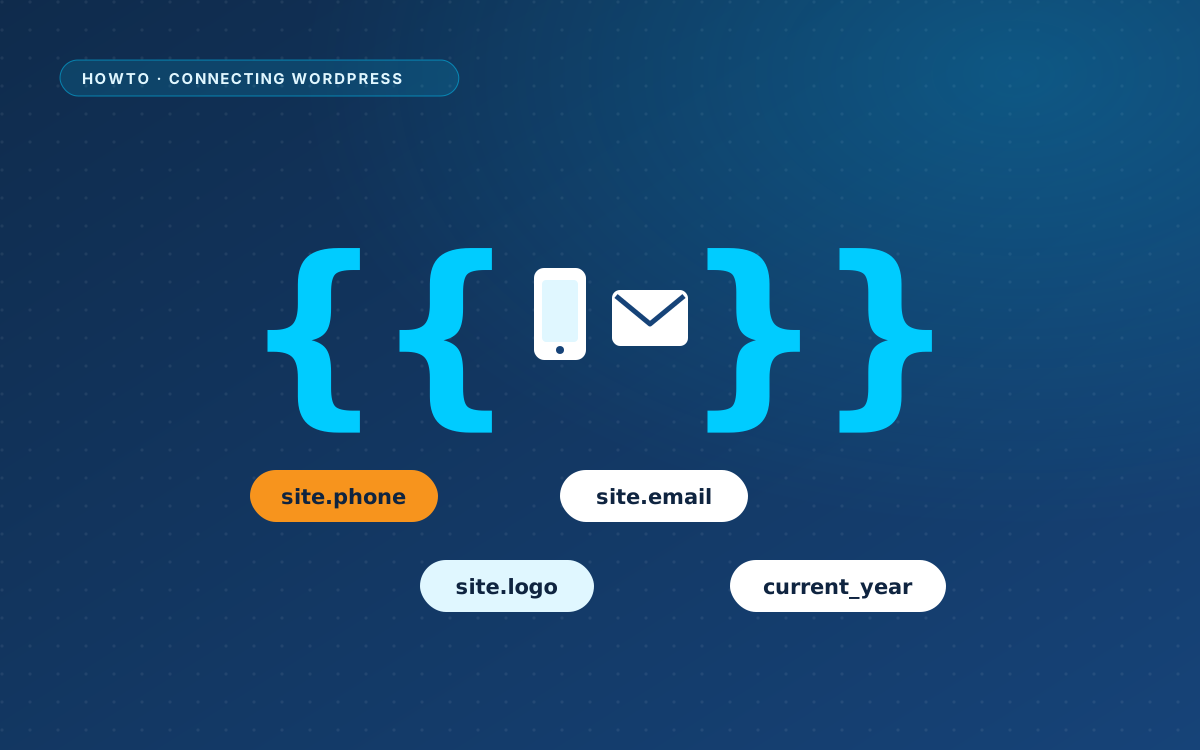
Phone number, email address, logo and year: write them once in Site details and use a variable everywhere else.

Phone number, email address, logo and year: write them once in Site details and use a variable everywhere else.
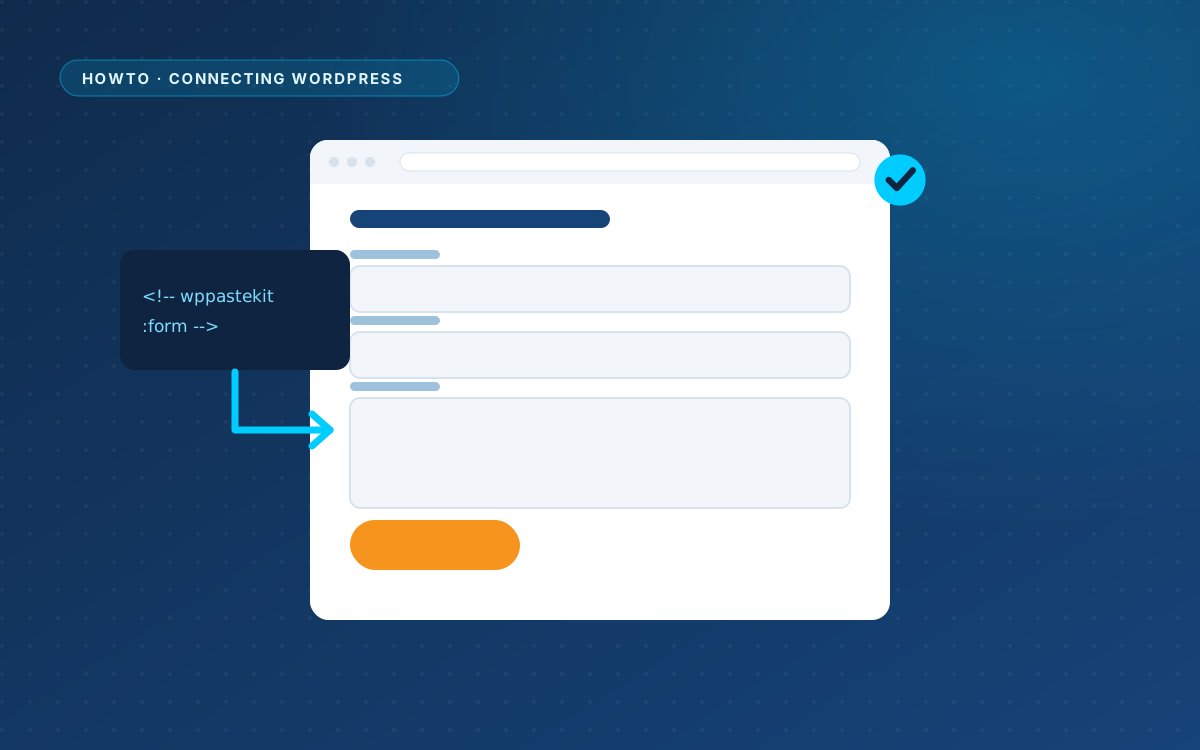
Leave a placeholder in the design, and WPPasteKit puts a real Gravity Forms, Contact Form 7, WPForms, Forminator or Fluent Forms form there.
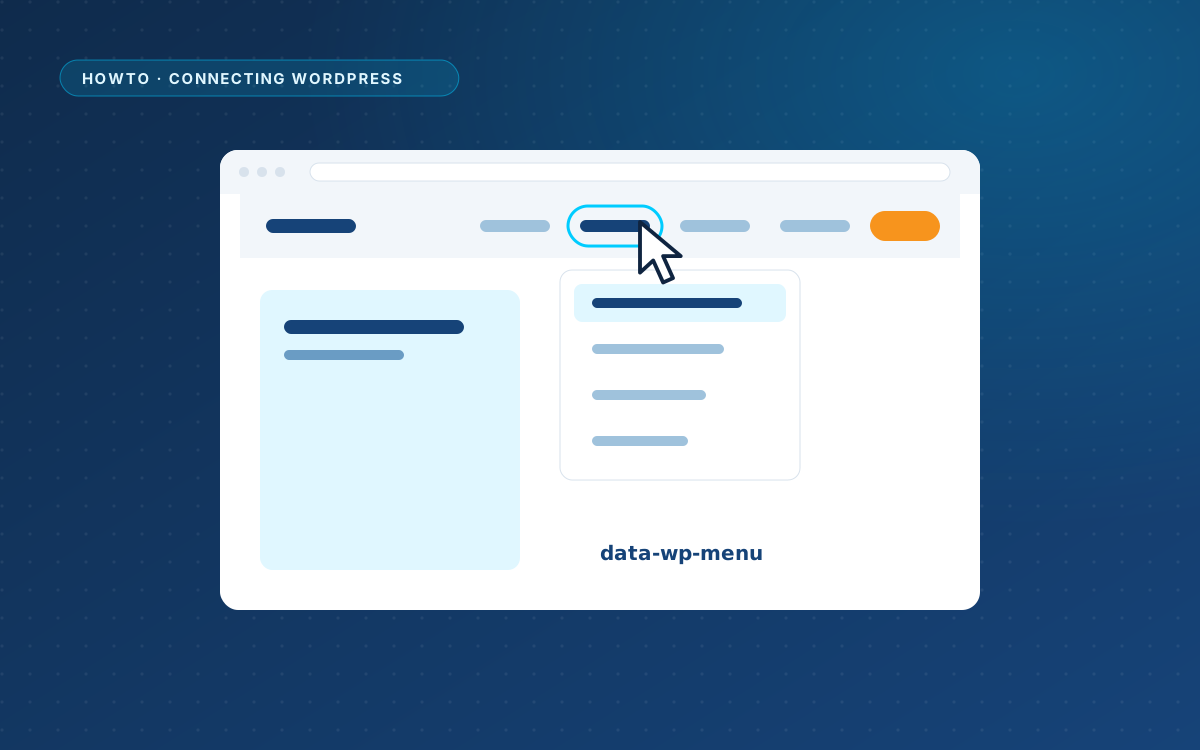
Mark the menu list in your design, and WordPress fills it with real menu items while keeping the markup and classes of the design.
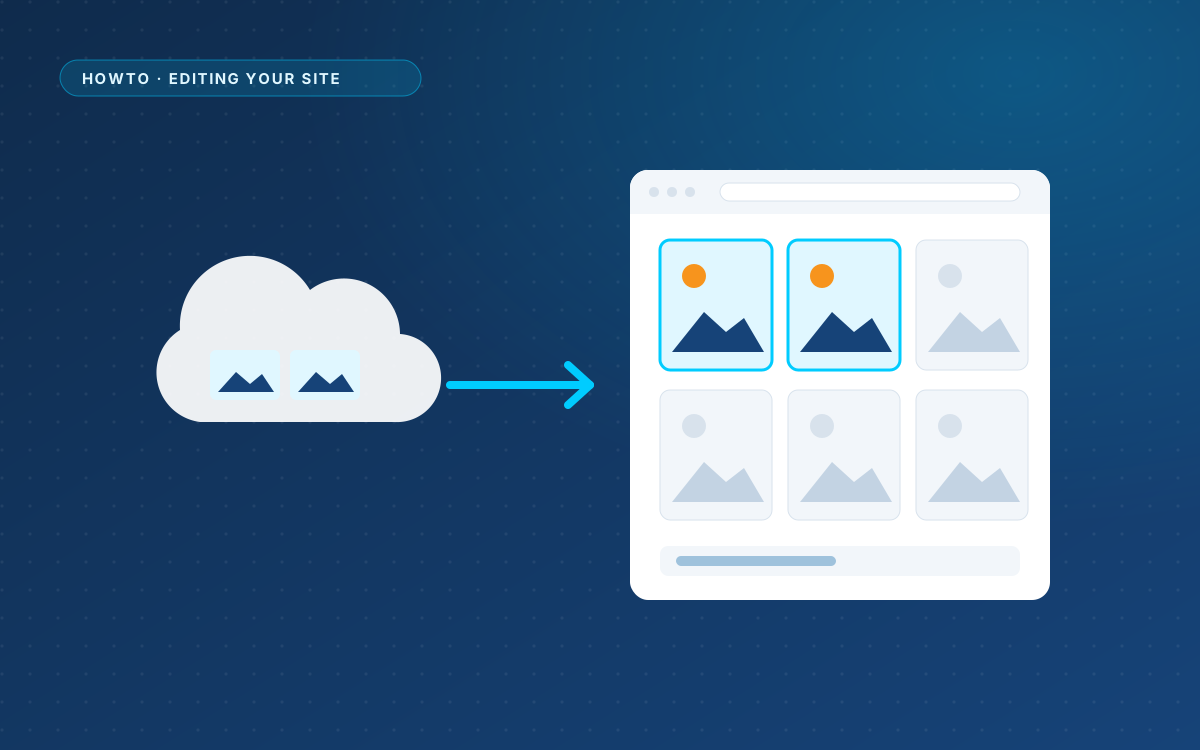
AI designs point at Unsplash, Picsum or placehold.co. Import those images with one click and replace them with your own.
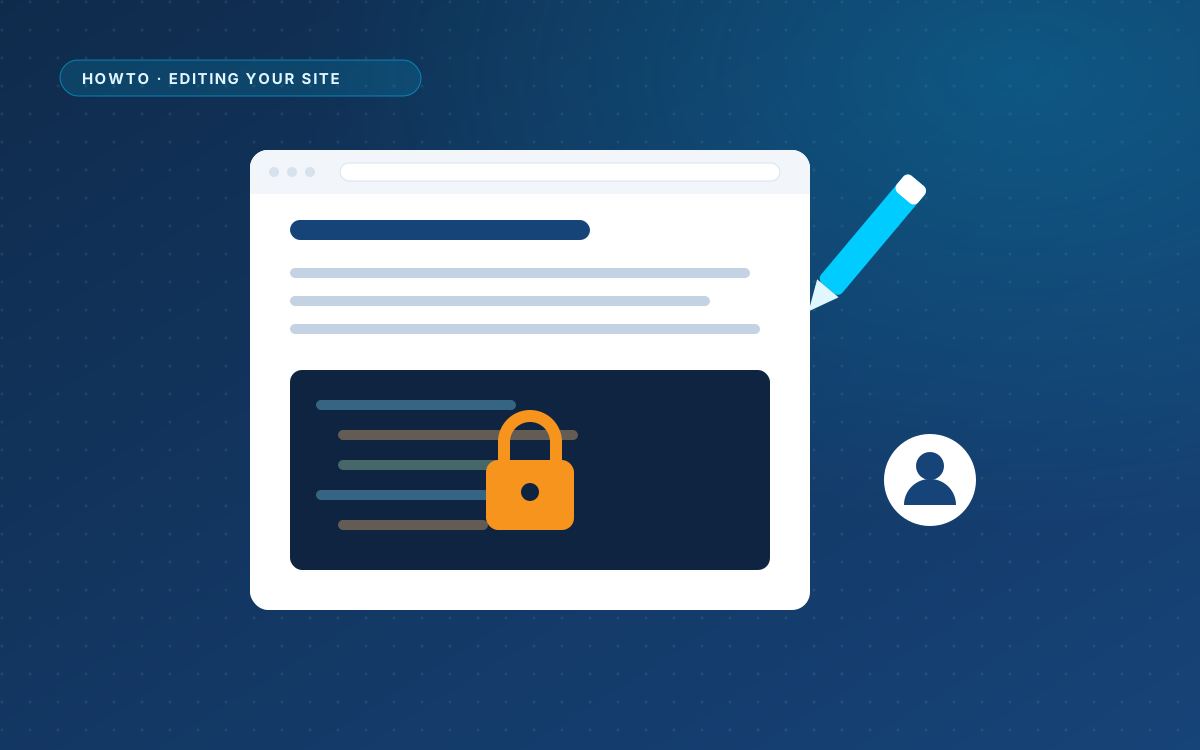
Give your client the Editor role. They change texts and images; the code and the styling stay out of reach.
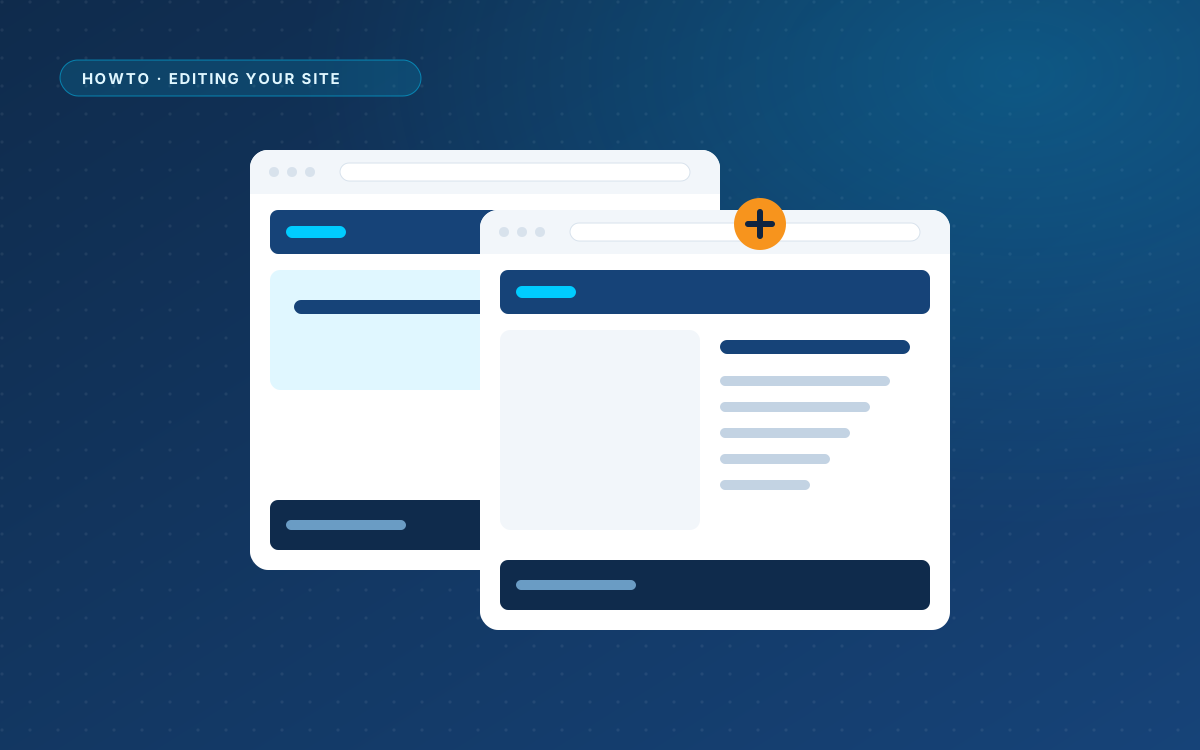
Your header, footer and styling are shared. A second page only needs its own content, and one line in the menu.
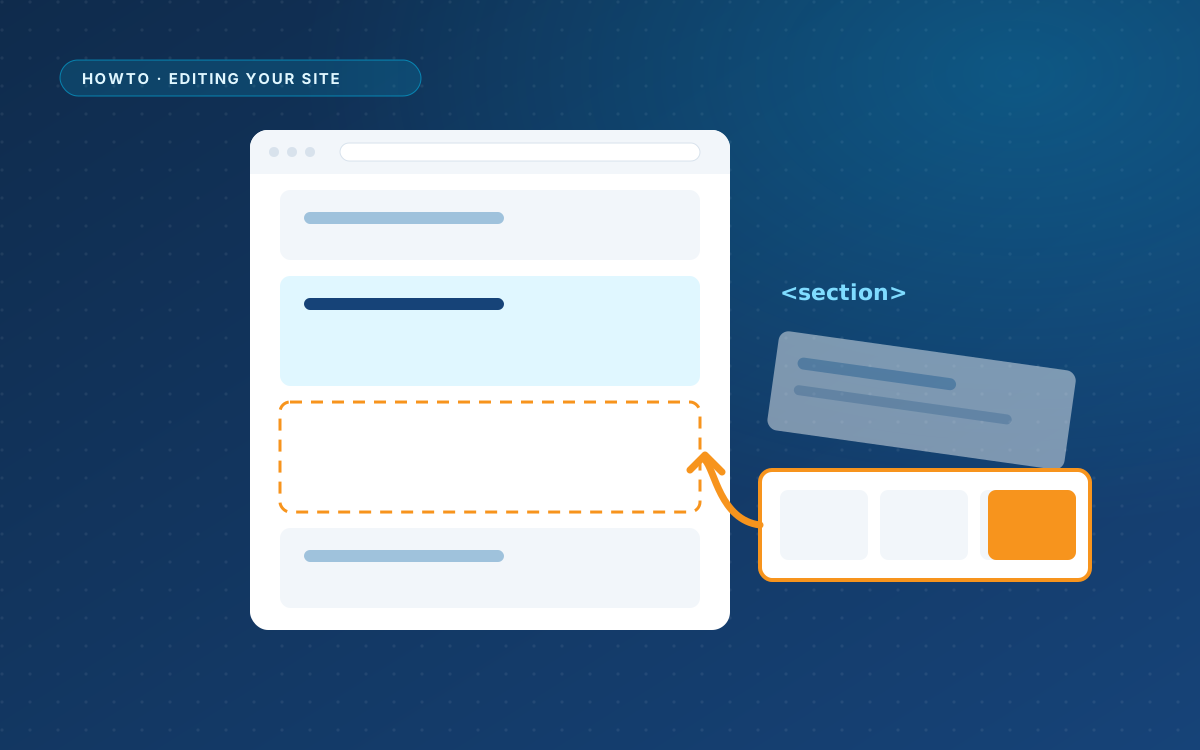
Swap one part of a page, such as the pricing table, for a new version from your AI, without touching the rest of the…
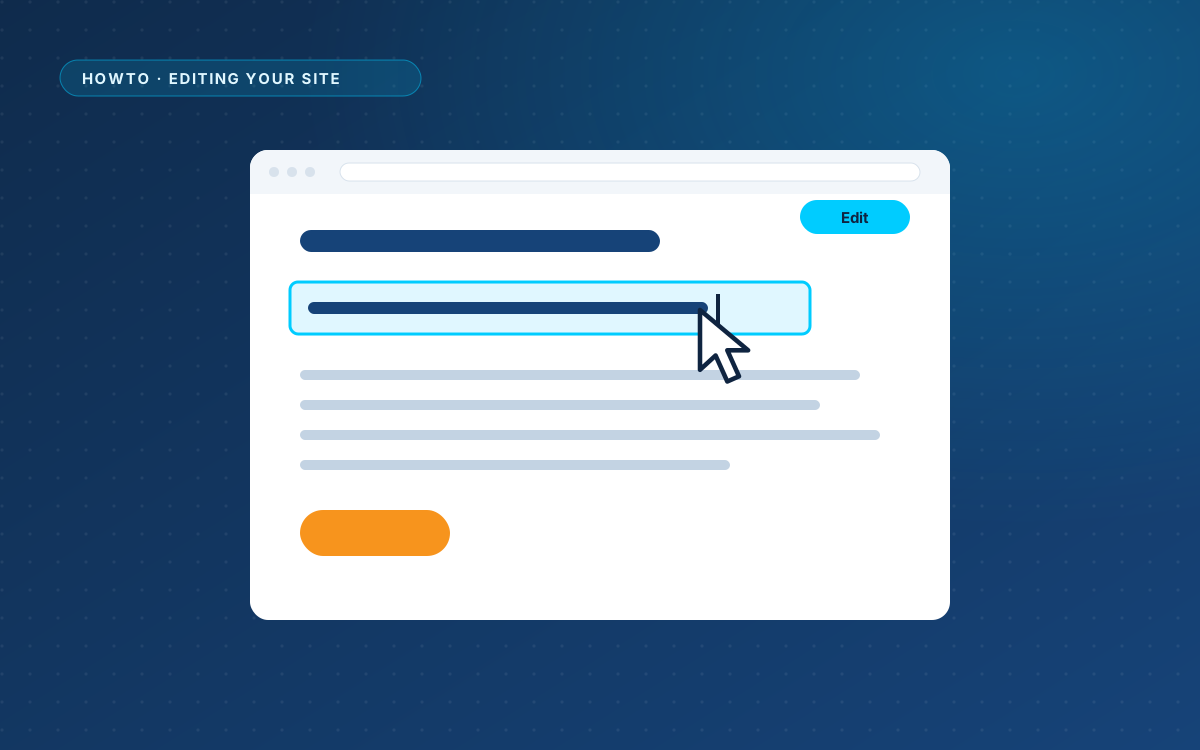
Click a heading, paragraph, button or image in the preview and type over it. WordPress keeps every earlier version.
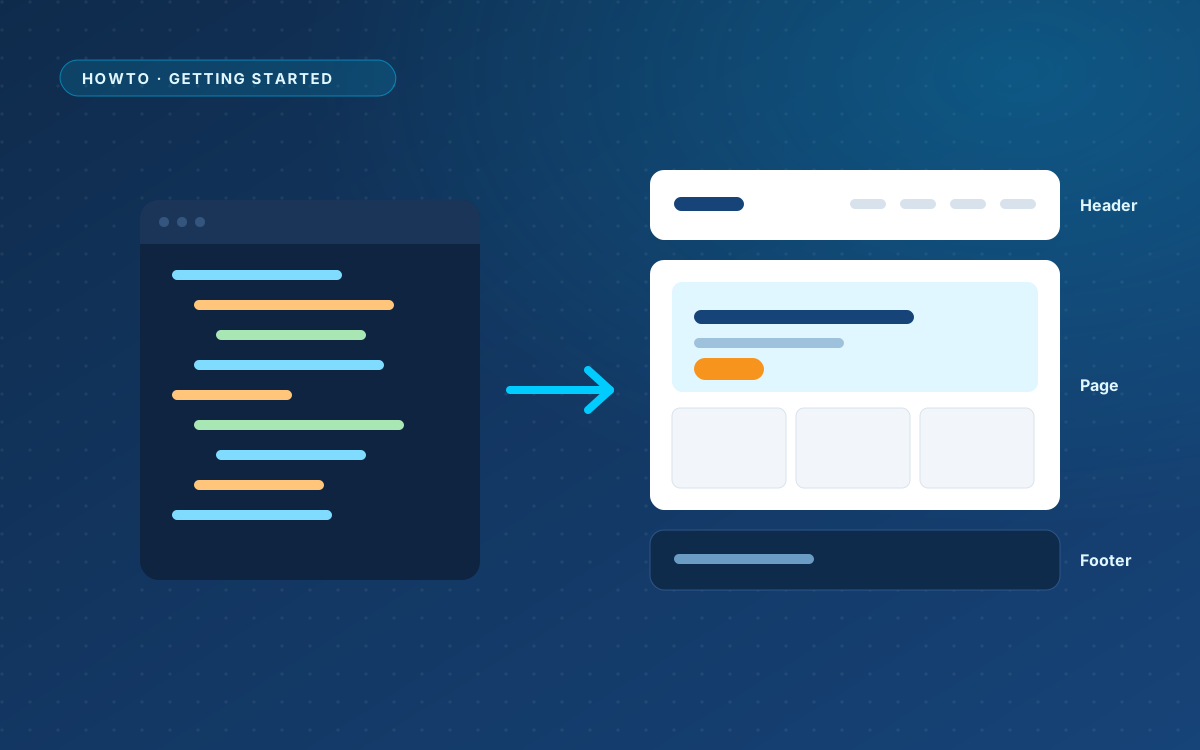
Paste the answer, check the preview, split it into a shared header, footer and styling with one click, and publish.
Copy the ready-made prompt, describe your page like a brief, and check that the answer has what WPPasteKit needs.
WPPasteKit works with any theme. Here is when the optional blank theme makes sense, and how to install it.
Upload the plugin, enter the details every page shares, and start your first WPPasteKit page.
€ 49 once, for one live website, with a year of updates and support.