Replace a section in the HTML
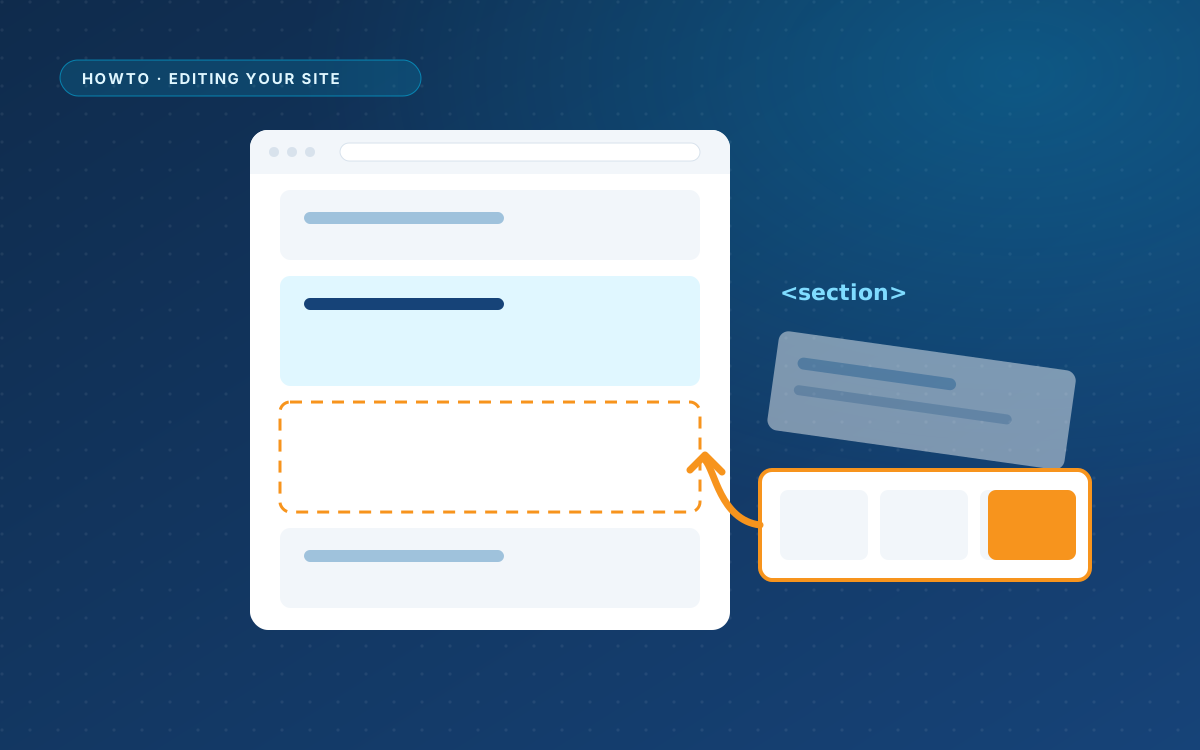
Sometimes a text change is not enough. You want an extra pricing card, a new FAQ question or a different layout for one part of the page. The safest way is to replace that one section and leave the rest of the page alone.
1. Find the section
Open the page in WordPress and open the code editor. On a page with content it is folded away; the preview comes first and the HTML is one button away.
AI designs are usually built from <section> elements with an id, often with a comment above them:
<!-- Pricing -->
<section class="section section--alt" id="pricing">
  ...
</section>
Select everything from the comment or the opening <section> down to its matching </section>. The matching closing tag is the one at the same indentation.
2. Ask your AI for a new version
Copy the section and give it to your AI. Ask for that section only, and ask for any extra CSS separately:
Here is the pricing section of my page. Add a second card for agencies: € 149 for 20 websites, with the same terms as the first card. Keep the existing classes and structure. Return only the new section. If it needs CSS that the page does not have yet, give that separately.
Asking for the section only keeps the rest of the page untouched. Asking for the CSS separately tells you straight away whether anything has to be added to the site styling.
3. Replace and check
- Paste the new section over the selected one.
- Check the preview on desktop, tablet and mobile.
- If the AI gave you extra CSS, add it under WPPasteKit > Site styling, so every page can use it. The styling screen sits behind the Advanced switch.
- Click Update.
4. Undo if you need to
Every save is a revision. If the new section breaks something, open Revisions and restore the previous version.
What to keep in a section
- Attributes that start with
data-wp-, such asdata-wp-menu,data-wp-postsanddata-wp-field. They connect the design to WordPress. - The placeholder
<!-- wppastekit:form -->where a form belongs. - Ids that links point to, such as
id="pricing"for a link to#pricing. - Variables such as
{{site.phone}}, unless you mean to replace them.