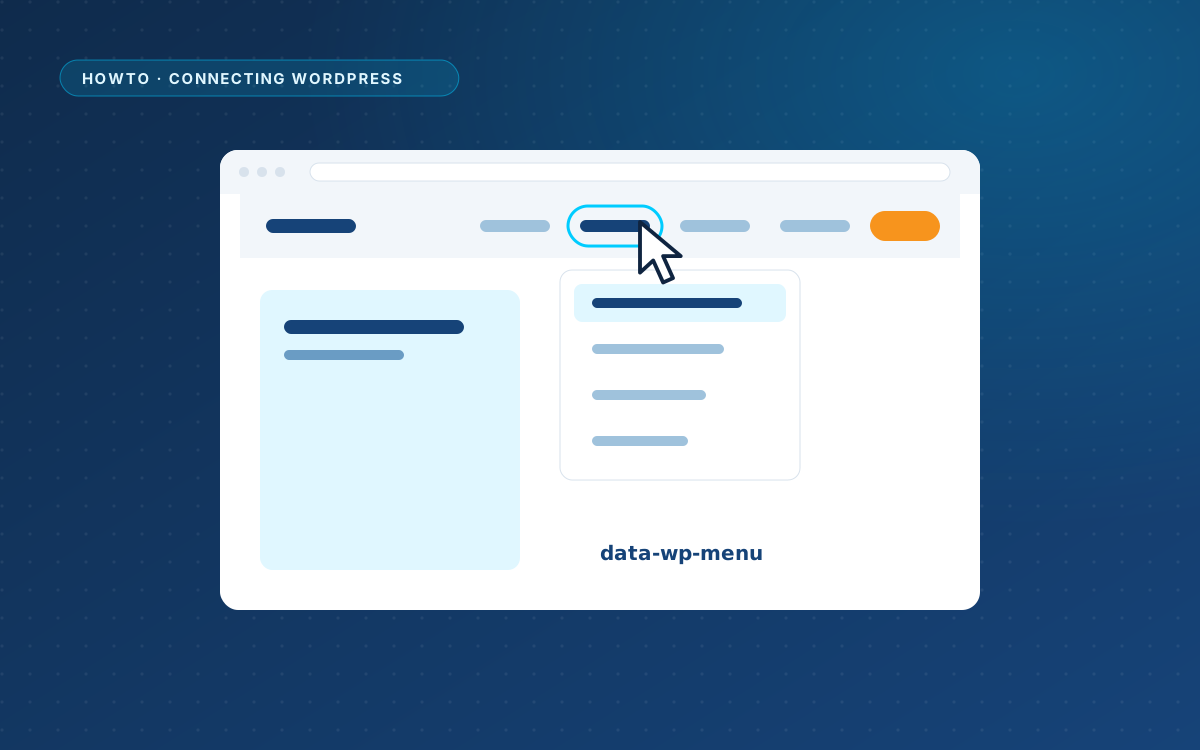
Connect your menus
Mark the menu list in your design, and WordPress fills it with real menu items while keeping the markup and classes of the design.

Menus, forms, variables, blog posts and layouts: the parts of a design that WordPress takes over.
Mark the menu list in your design, and WordPress fills it with real menu items while keeping the markup and classes of the design.
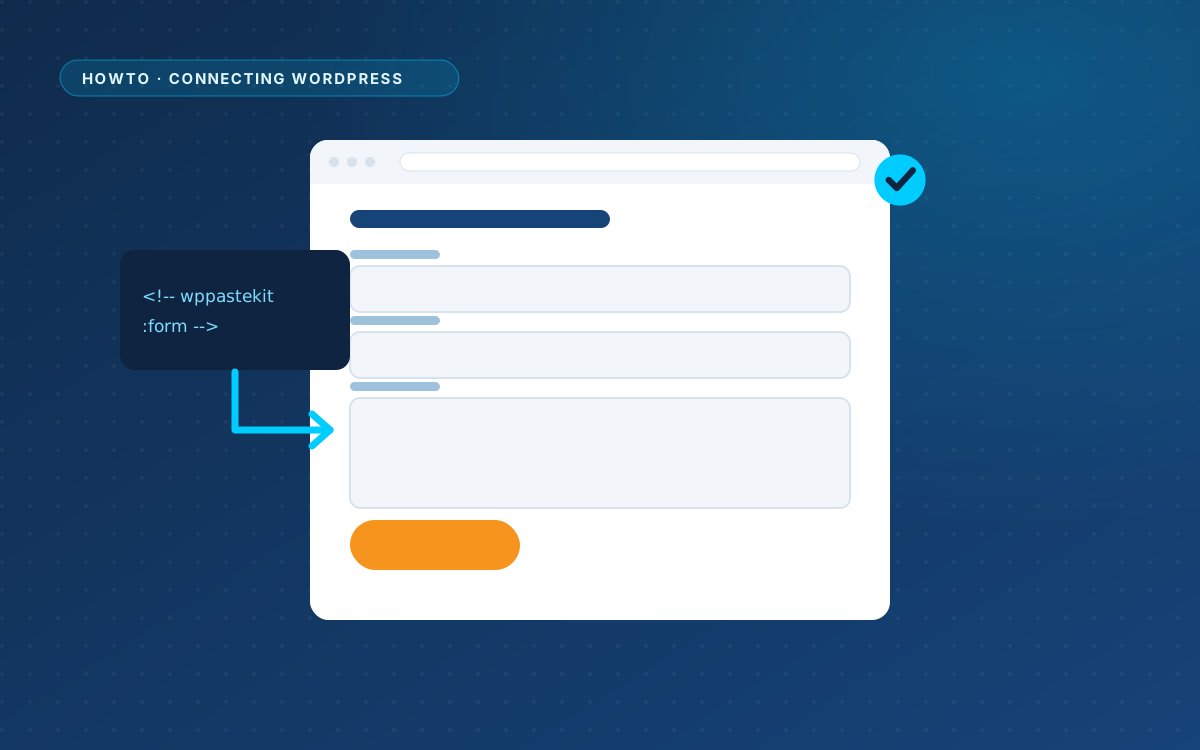
Leave a placeholder in the design, and WPPasteKit puts a real Gravity Forms, Contact Form 7, WPForms, Forminator or Fluent Forms form there.
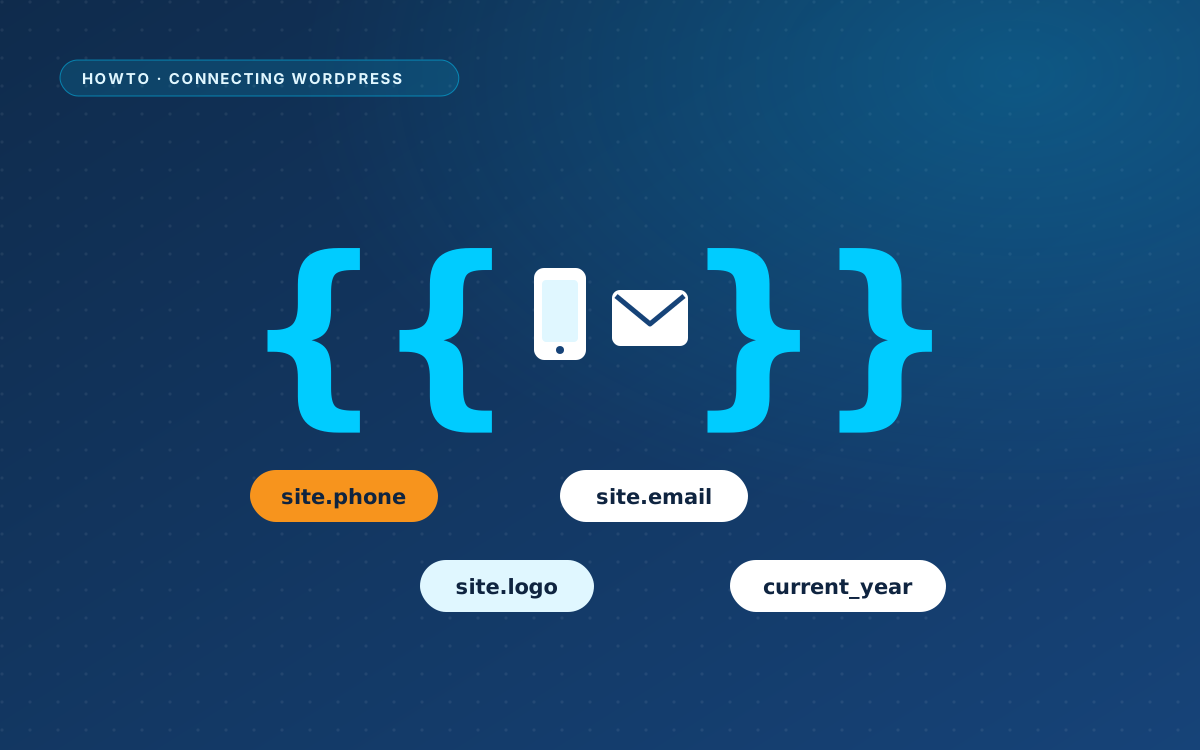
Phone number, email address, logo and year: write them once in Site details and use a variable everywhere else.
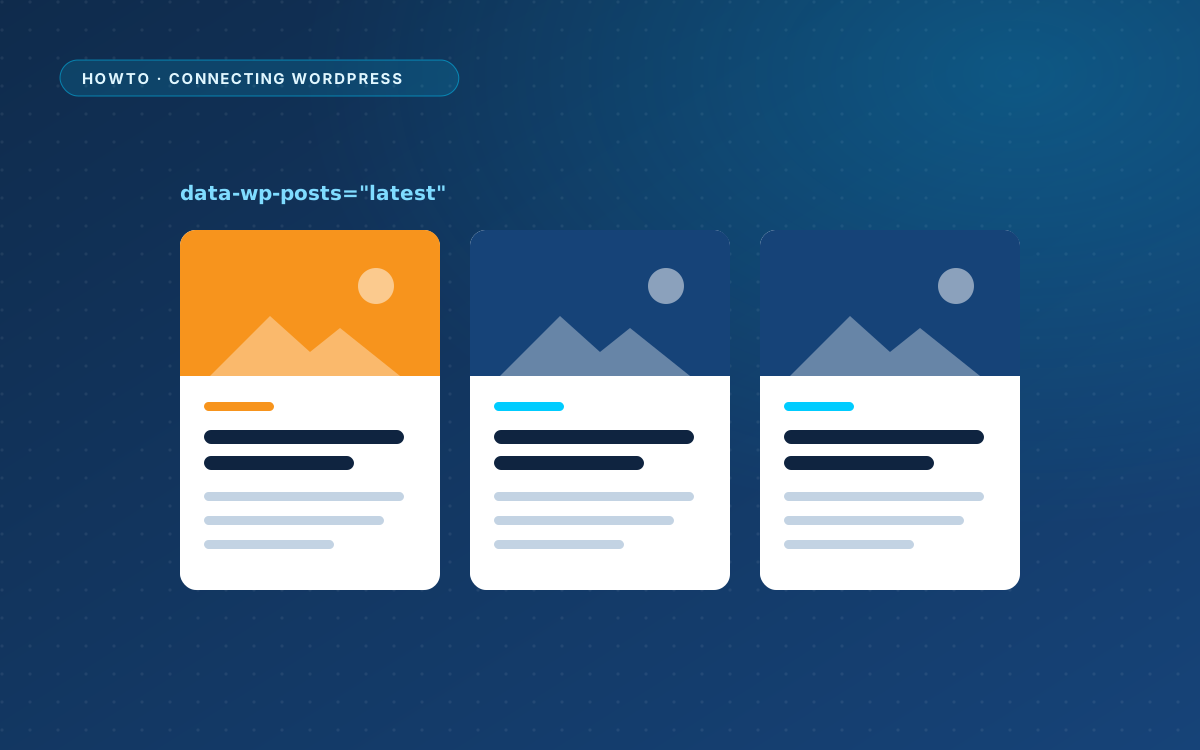
Mark a card grid in your design, and WordPress repeats the first card for every post, with image, title, excerpt, date and category.
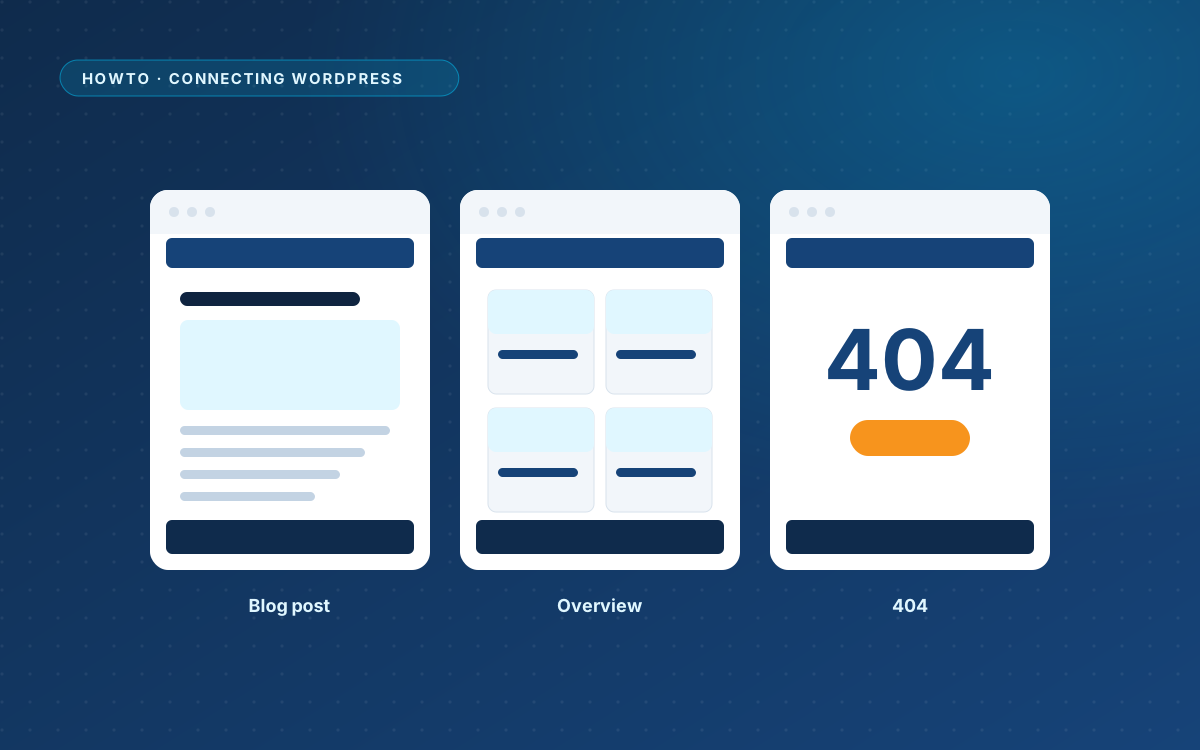
Create a layout for the blog overview, a single post, normal pages and the 404 page, and WPPasteKit renders those views in your design.
€ 49 once, for one live website, with a year of updates and support.