Use variables for details on every page
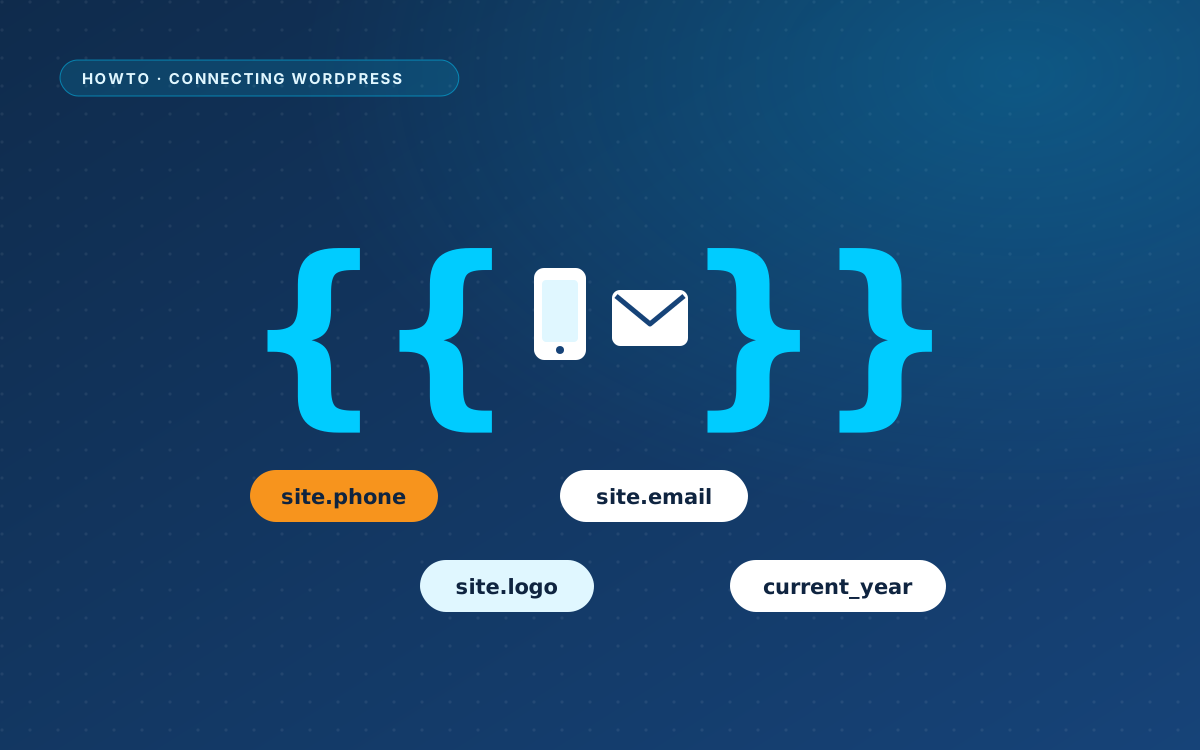
Some details appear on many pages: your phone number, email address, address and logo. Write them once, and use a variable in the design.
Site variables
{{site.name}},{{site.url}}and{{site.email}}{{site.phone}}and{{site.phone_url}}{{site.address}}and{{site.logo}}{{current_year}}{{page.title}}and{{page.url}}for the current page
You fill in the values under WPPasteKit > Site details.
Examples
A phone link that keeps working when the number changes:
<a href="tel:{{site.phone_url}}">{{site.phone}}</a>A logo and a copyright line:
<img src="{{site.logo}}" alt="{{site.name}}">
<p>© {{current_year}} {{site.name}}</p>Your own variables
With the Advanced switch on, you can add custom values and use them as {{global.your_key}}, for example an opening-hours line or a booking link. Reusable HTML components are placed with {{component.your-component}}.
Page fields
Any variable that starts with page, such as {{page.hero_title}}, becomes a field you can fill in without code. You rarely need them now: texts are edited by clicking them in the preview. The list of page fields sits behind the Advanced switch.
Show a variable literally
Write a backslash in front of a variable to print it as it is, for example in a code sample:
\{{site.name}}