Install WPPasteKit and fill in your site details
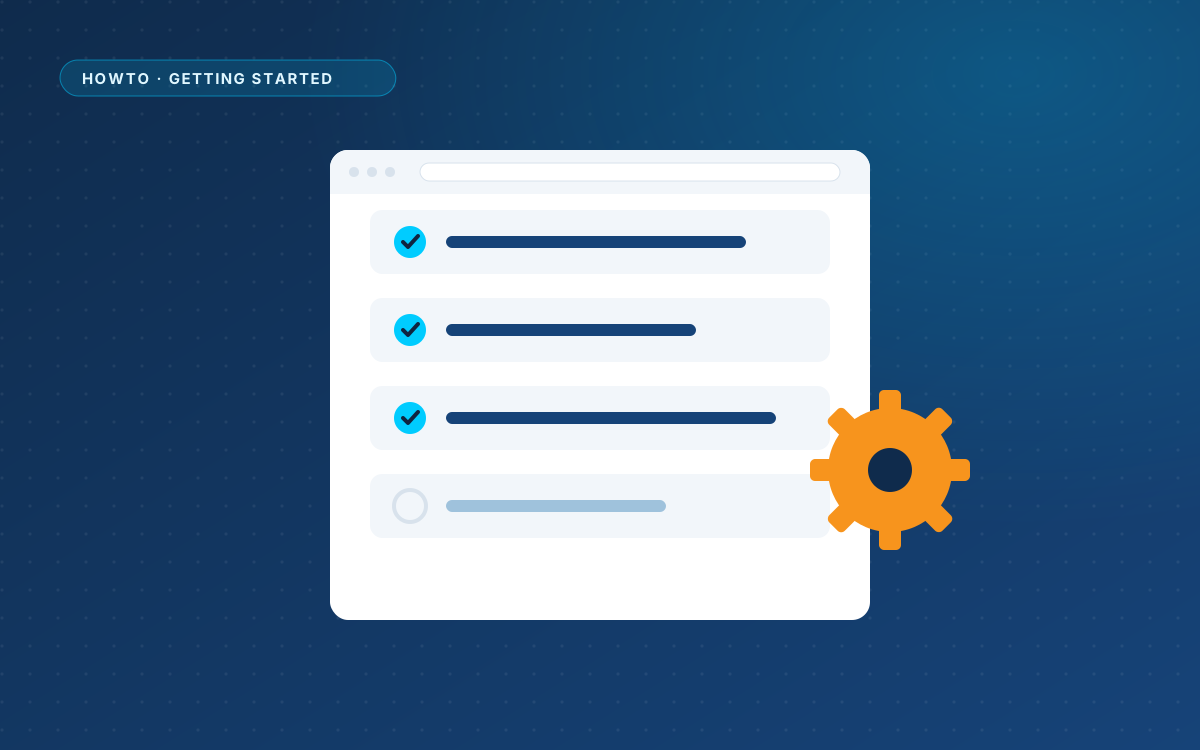
Upload the plugin, enter the details every page shares, and start your first WPPasteKit page.

Prepare WordPress, install WPPasteKit and publish your first pasted page.
Upload the plugin, enter the details every page shares, and start your first WPPasteKit page.
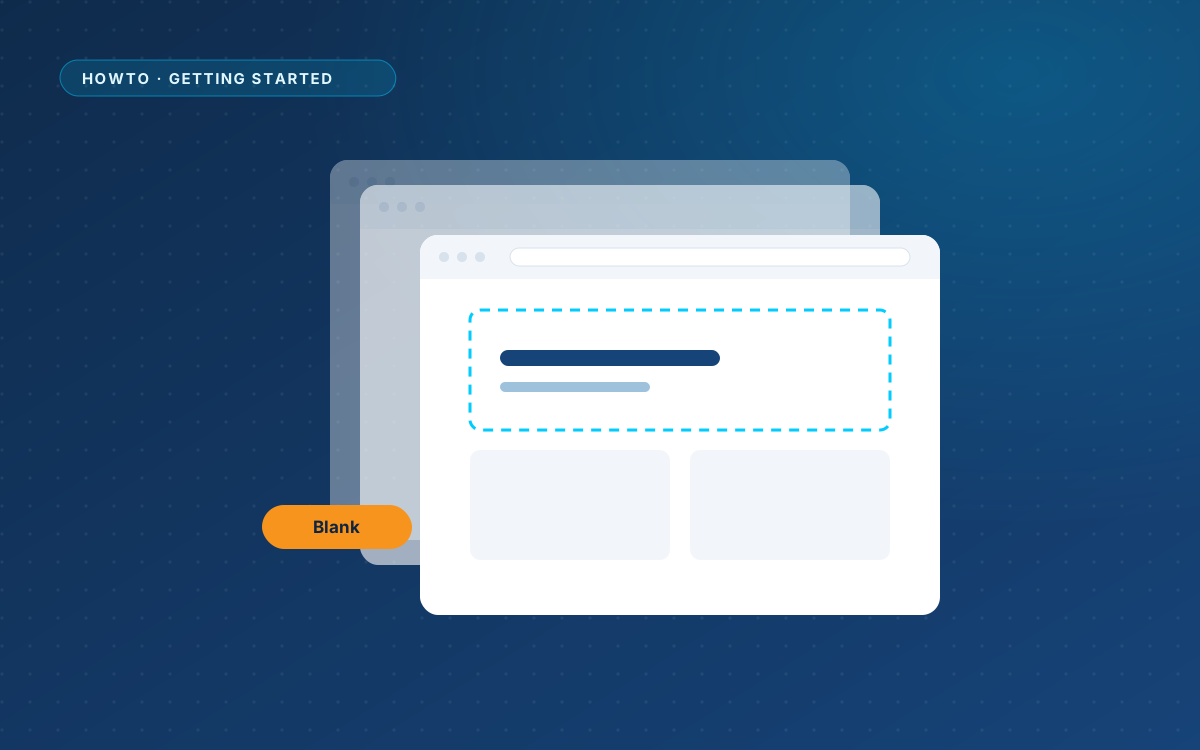
WPPasteKit works with any theme. Here is when the optional blank theme makes sense, and how to install it.
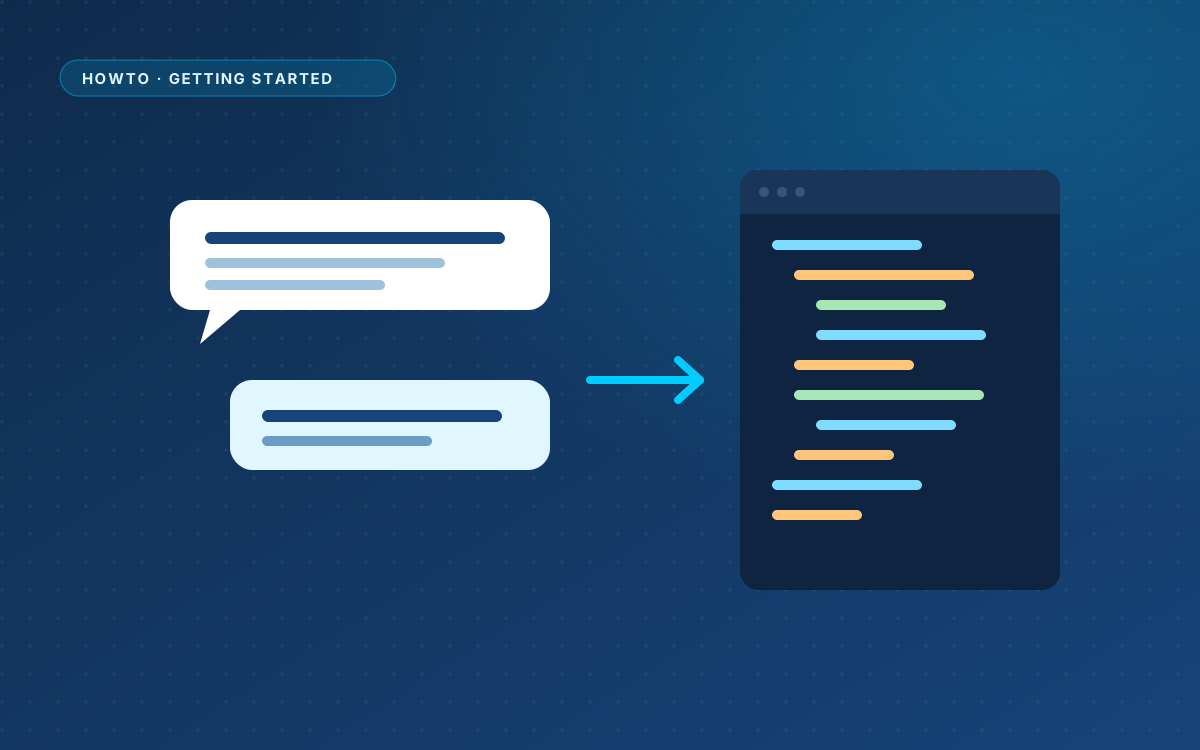
Copy the ready-made prompt, describe your page like a brief, and check that the answer has what WPPasteKit needs.
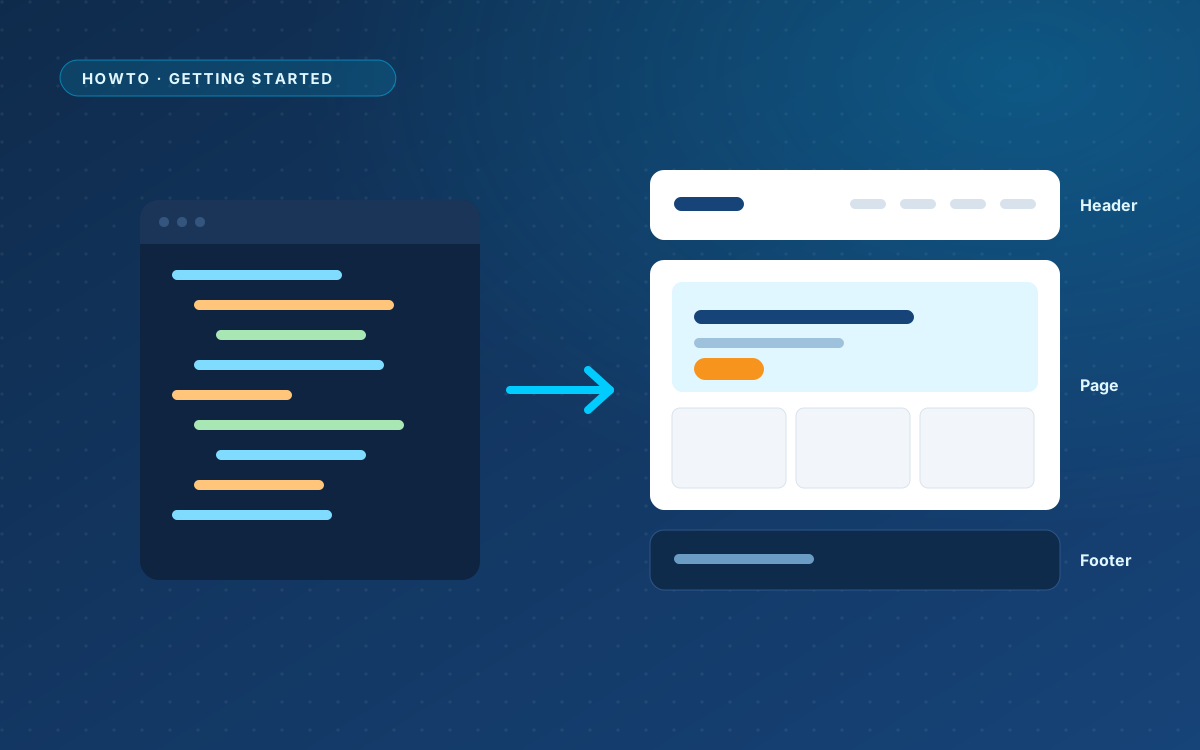
Paste the answer, check the preview, split it into a shared header, footer and styling with one click, and publish.
Five minutes of checks before your first paste: versions, the right user account, permalinks and the details you will need.
€ 49 once, for one live website, with a year of updates and support.