Connecting WordPress
Show your blog posts in your own cards
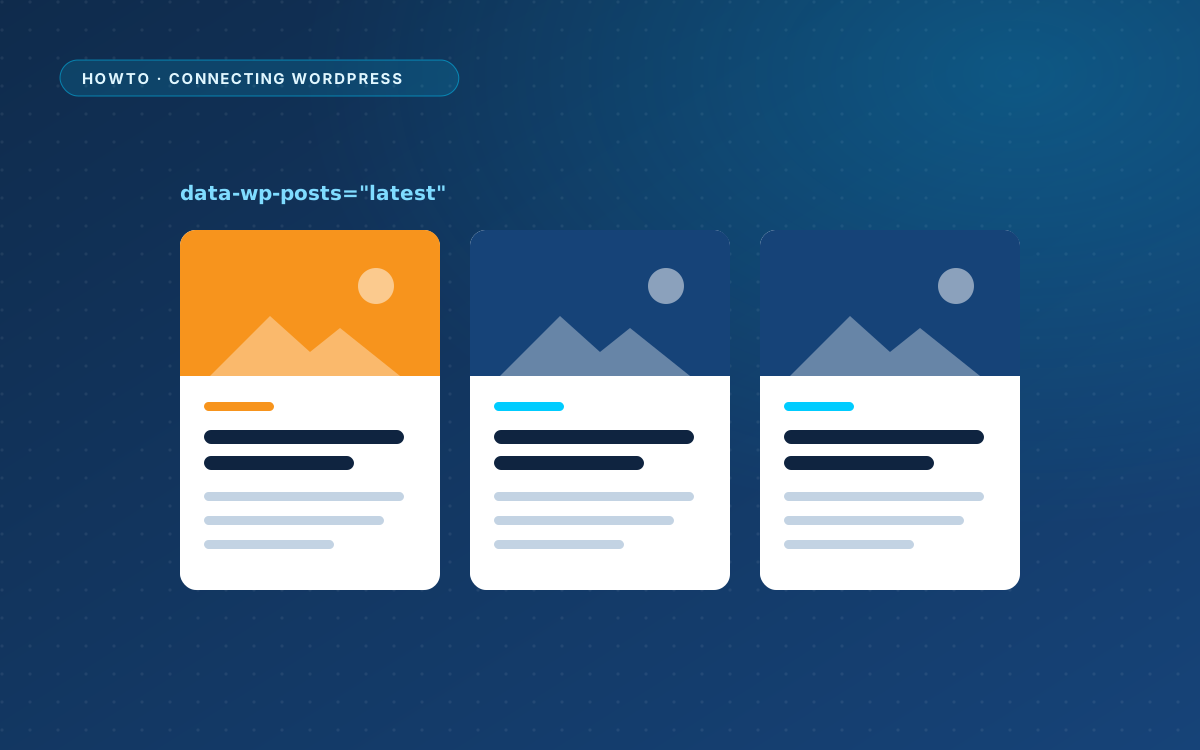
Your AI design has a row of example blog cards. WPPasteKit fills them with your real posts, in the design of the cards.
Mark the grid and the fields
Add data-wp-posts="latest" to the grid or list that holds the example cards. The first card is the template and is repeated for every post. Inside it, data-wp-field says what goes where:
<div class="cards" data-wp-posts="latest">
  <article class="card">
    <a href="/" data-wp-field="url">
      <img src="example.jpg" alt="" data-wp-field="image" data-wp-fallback="remove">
    </a>
    <span data-wp-field="category">News</span>
    <time data-wp-field="date">12 May 2026</time>
    <h3><a href="/" data-wp-field="url"><span data-wp-field="title">Example title</span></a></h3>
    <p data-wp-field="excerpt" data-wp-words="20">Example summary.</p>
  </article>
  <!-- two more example cards -->
</div>
Fields
- Text fields replace the text of the element:
title,excerpt,content,date,modified,author,category,categories,tags,commentsandreading_time. urlsets the link of anaelement.author_urlandcategory_urlwork the same way.imagesets the source and alt text of animg, or a background image on any other element.author_avatarworks the same way.
Field options
data-wp-words="20"sets the length of the excerpt.data-wp-format="j F Y"sets the date format.data-wp-size="medium"picks the image size.data-wp-fallback="remove"drops the image when a post has no featured image.
Which posts
latestshows the newest posts.relatedshows posts from the same category as the current post.currentshows the posts WordPress is showing on the blog, archives and search results.
Fine-tune the loop with data-wp-count, data-wp-category, data-wp-tag, data-wp-post-type, data-wp-order, data-wp-offset and data-wp-exclude-current="no". By default, the loop shows as many posts as there are example cards.
No posts yet
Add a child with data-wp-empty to show a message when there are no posts. Without posts, a plain latest loop keeps showing the example cards.
Filed under Connecting WordPress
Back to the homepage