Editing your site
Let a client edit safely
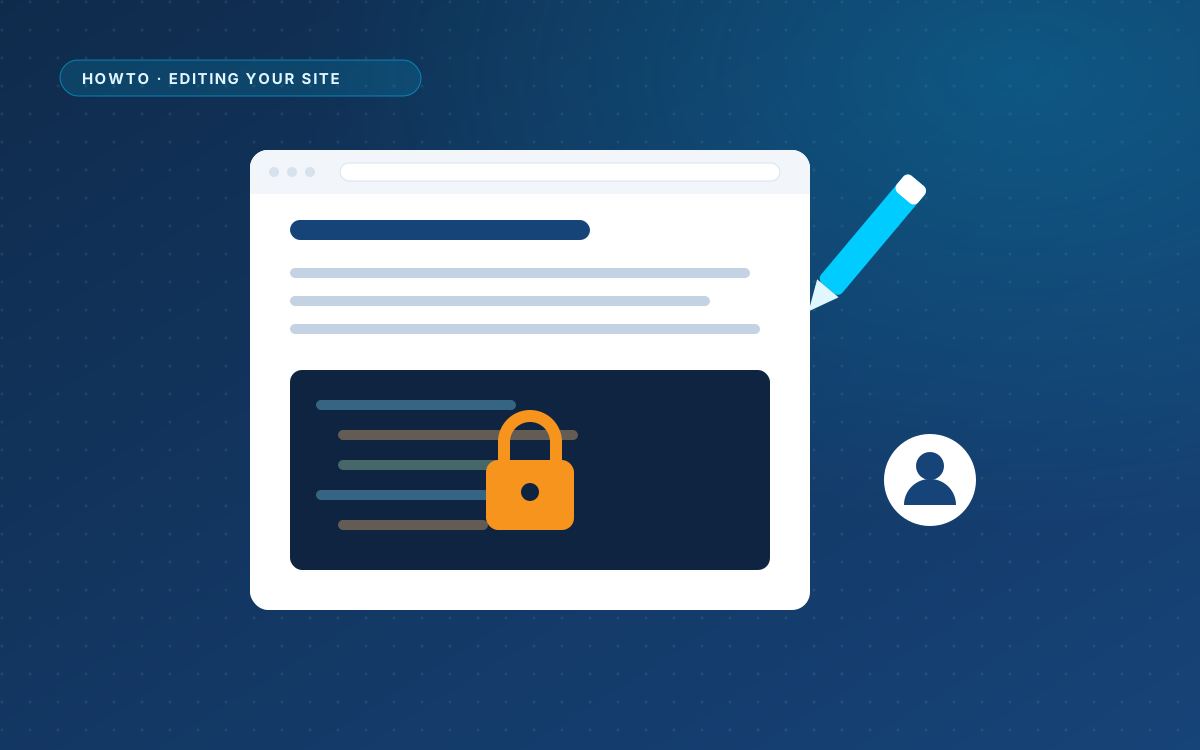
Handing a site to a client usually means worrying about the design. With WPPasteKit, the client works with texts and images only.
Give them the Editor role
Go to Users > Add New and choose the role Editor. On a normal install, Editors do not have the unfiltered_html capability, so WPPasteKit sends them to a content-only screen instead of the code editor.
What your client can do
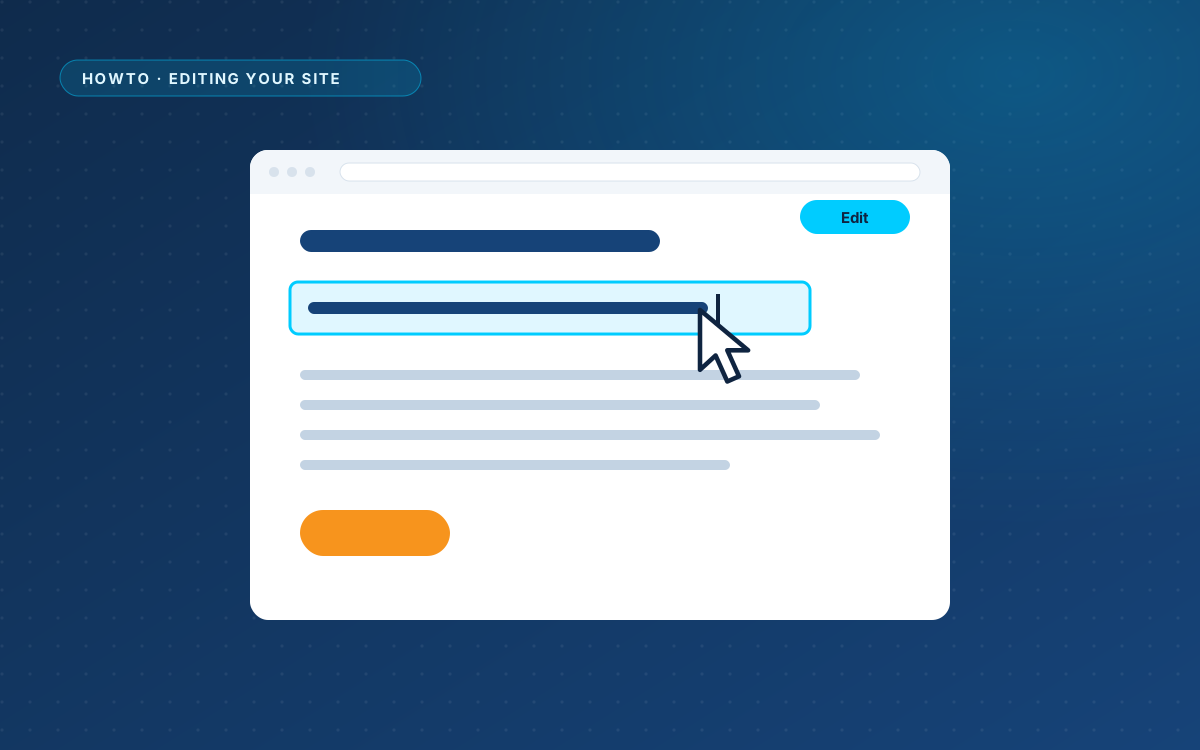
- Change a text by clicking it in the preview and typing over it.
- Swap an image through the media library.
- Write and publish blog posts in the normal WordPress editor.
What your client cannot do
- See or change the HTML, CSS or JavaScript of a WPPasteKit page.
- Break the styling. The browser never sends HTML; it only says which spot gets which text, and WPPasteKit puts the escaped text in place itself. That is why WordPress does not strip the styles and scripts of the design when an Editor saves.
Mistakes can be undone
Every change is written into the page and saved as a revision. If a client removes the wrong sentence, restore the previous version under Revisions.
Tell them where contact details live
Phone numbers, email addresses and the address often come from WPPasteKit > Site details through variables. Tell your client that these change in one place, so they do not search every page for an old phone number.
Filed under Editing your site
Back to the homepage