A VisuCode AI alternative for your website management workflow
Quick answer
Both products support code import and visual editing. VisuCode AI is free. WPPasteKit offers a paid management product with shared website elements and twelve months of updates and support. Compare the editing workflow and the assistance you want.
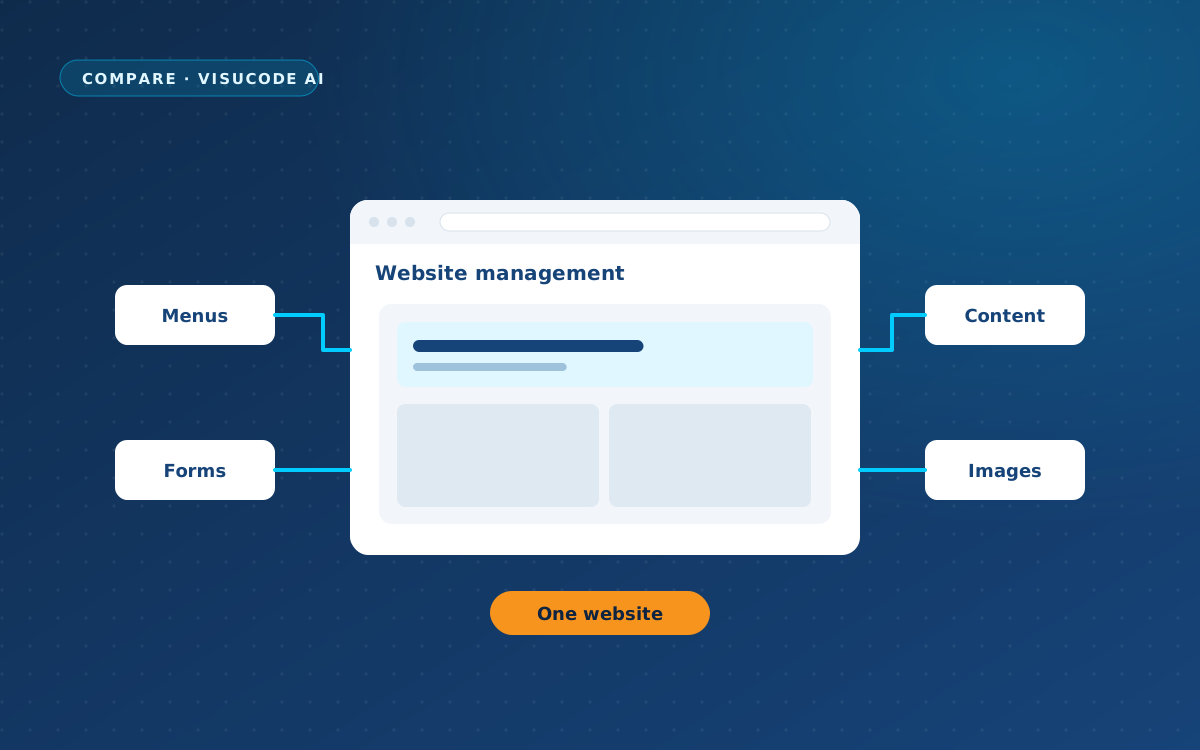
Pasting code is the beginning. Next, you need navigation that works, contact details you can update and a new page that belongs with the rest of your site. WPPasteKit brings these tasks into your WordPress installation.
From €49 as a one-time payment. Twelve months of updates and support included.
A similar starting point, a choice of workflow
VisuCode AI supports pasting and importing HTML, CSS and JavaScript, with visual controls for content and layout. Its import and editing workflow is free and needs no API key. Optional AI optimisations require an OpenAI key.
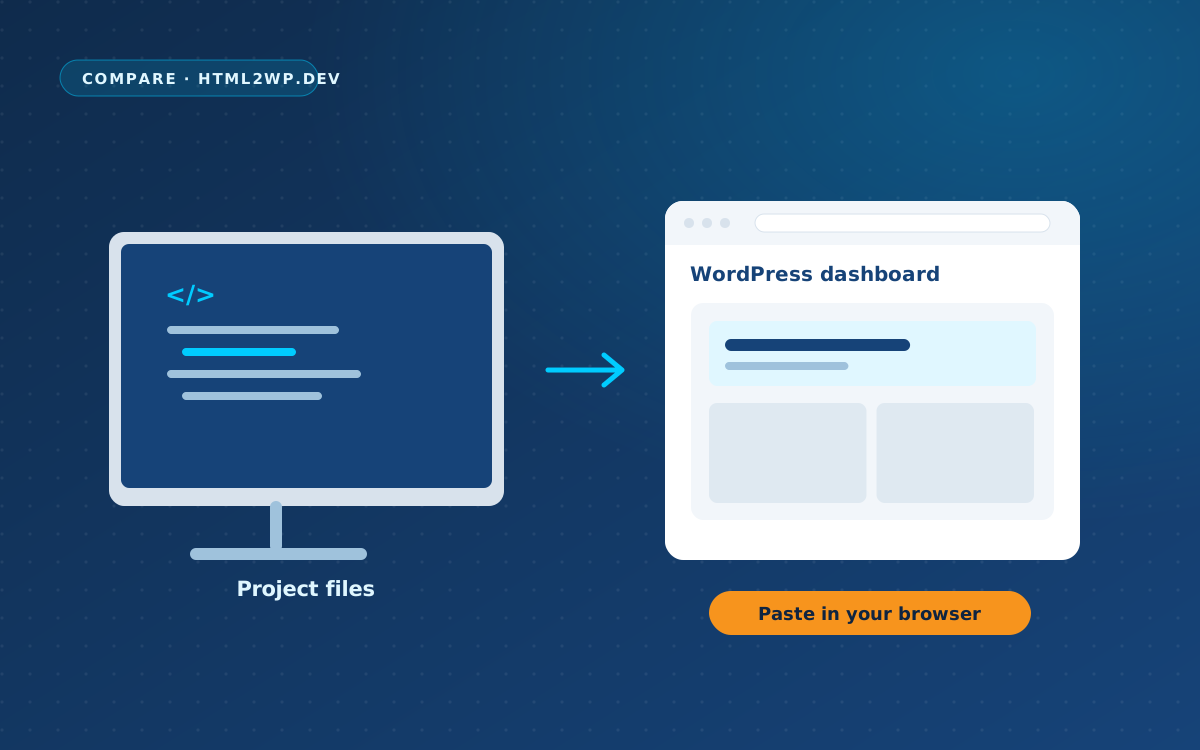
With WPPasteKit, use the supplied prompt in your preferred AI tool, paste the resulting HTML and connect the design to WordPress. “Make this my site” creates a shared foundation for your header, footer, navigation and styling, so later pages can build on the same setup.
Compare the workflows
| Feature | WPPasteKit | VisuCode AI |
|---|---|---|
| Bring HTML, CSS and JavaScript | Yes | Yes |
| Edit content visually | Yes | Yes |
| Working style | Publish pages and connect them to WordPress management | Import code and edit it on a visual canvas |
| Offering | Paid Core plugin; free Blank theme | Free plugin |
Pricing and licence terms
WPPasteKit Early Access costs €49 once for one live website. Agency Early Access costs €149 once for twenty live websites: €7.45 per website if you use all twenty activations. Local and staging environments do not use an extra activation.
Both licences include twelve months of updates and support. Renewal for further updates and support is optional; your websites keep working if you do not renew.
VisuCode AI has the lower plugin purchase price: it is free. The reason to choose WPPasteKit is its fit with your day-to-day work, including a repeatable publishing and handover process with twelve months of updates and support included.
Create freely and hand over a clear editing process
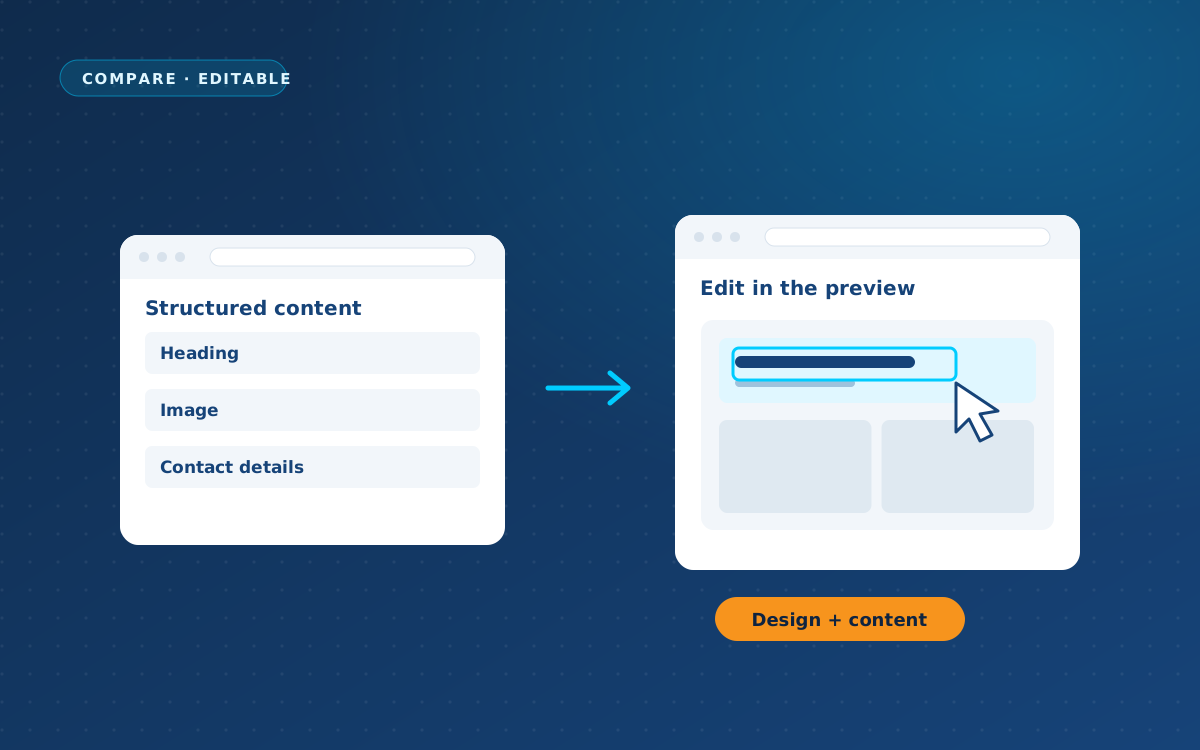
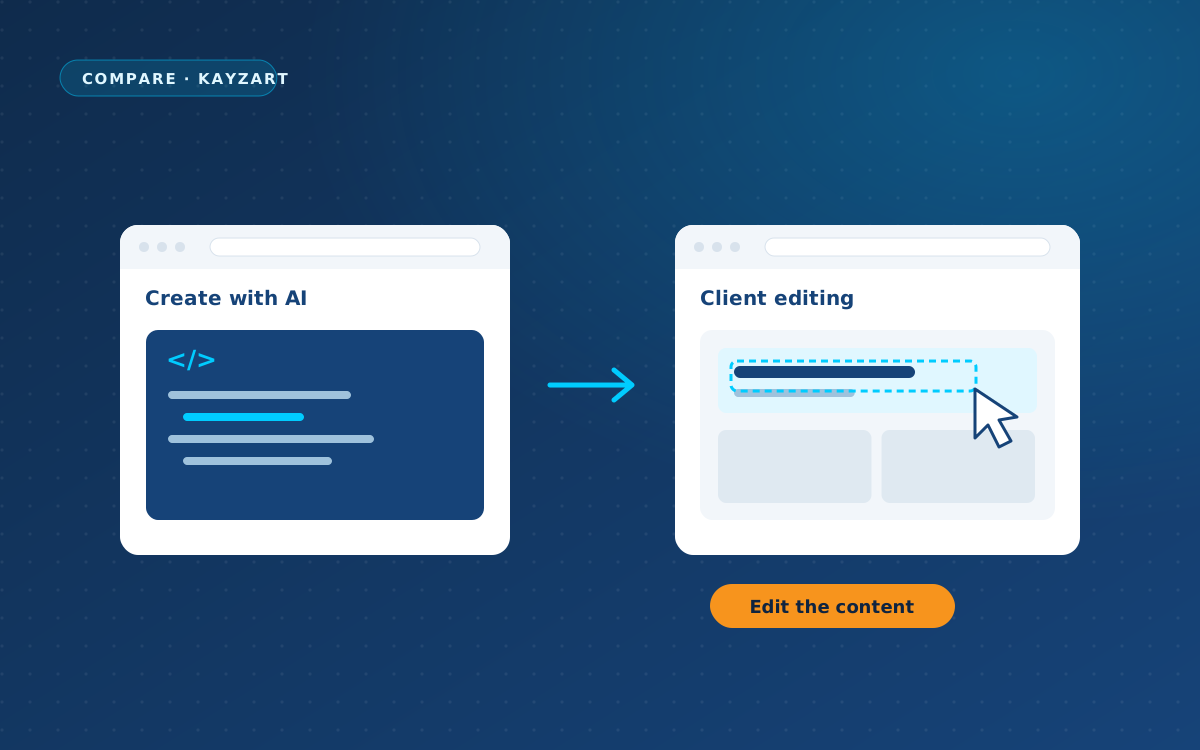
Keep the creative stage in your preferred AI tool, then continue in WordPress. WPPasteKit can share the header, footer and styling across pages and connect the design to WordPress menus, blog posts and your form plugin. A client with the Editor role can change content without opening the source code.
Frequently asked questions
Is WPPasteKit the only tool that lets me paste AI-generated code?
No. VisuCode AI supports this too. Compare how you want to edit, manage shared website elements and get help when you need it.
Is there a free WPPasteKit option?
The WPPasteKit Blank theme is free and can display pasted HTML. The WPPasteKit Core plugin provides the management features. The free theme does not replace those features.
Do ordinary blog posts stay in Gutenberg?
Yes. You write and edit ordinary WordPress posts in Gutenberg, the standard WordPress editor. WPPasteKit can control how the blog and individual posts are displayed; their content still comes from the standard editor.
Choose for the website you want to keep managing
Start with one page and use the same WordPress installation as your website grows.
Product information checked on 30 September 2026. Prices and included features can change. Prices are shown in their original currencies. Hosting, domains, any paid AI services, additional paid plugins and optional renewals are separate costs. Applicable taxes depend on the offer and checkout.
Sources and disclosure
Prepared by WPPasteKit / Webdelta using official product information checked on 30 September 2026. We are the provider of WPPasteKit. This comparison is based on published information, not a hands-on test of the products side by side.