WPPasteKit or Editable: ACF fields or content and site elements in one workflow?
The short version
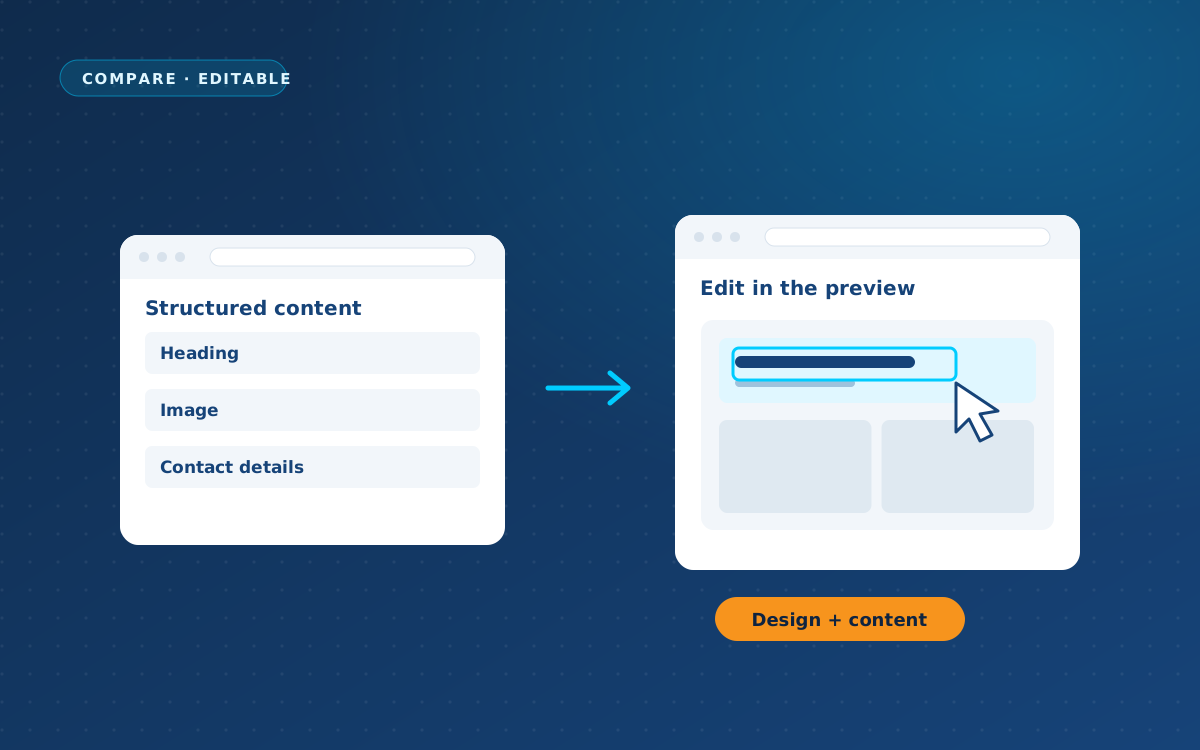
Editable identifies content in an uploaded design and makes it editable through ACF fields.
WPPasteKit turns your original AI-generated HTML into a complete WordPress site with shared elements and content fields, from €49 once.
Choose Editable for AI recognition and ACF; choose WPPasteKit for fields without ACF plus shared site elements within your design.
Two approaches
Editable
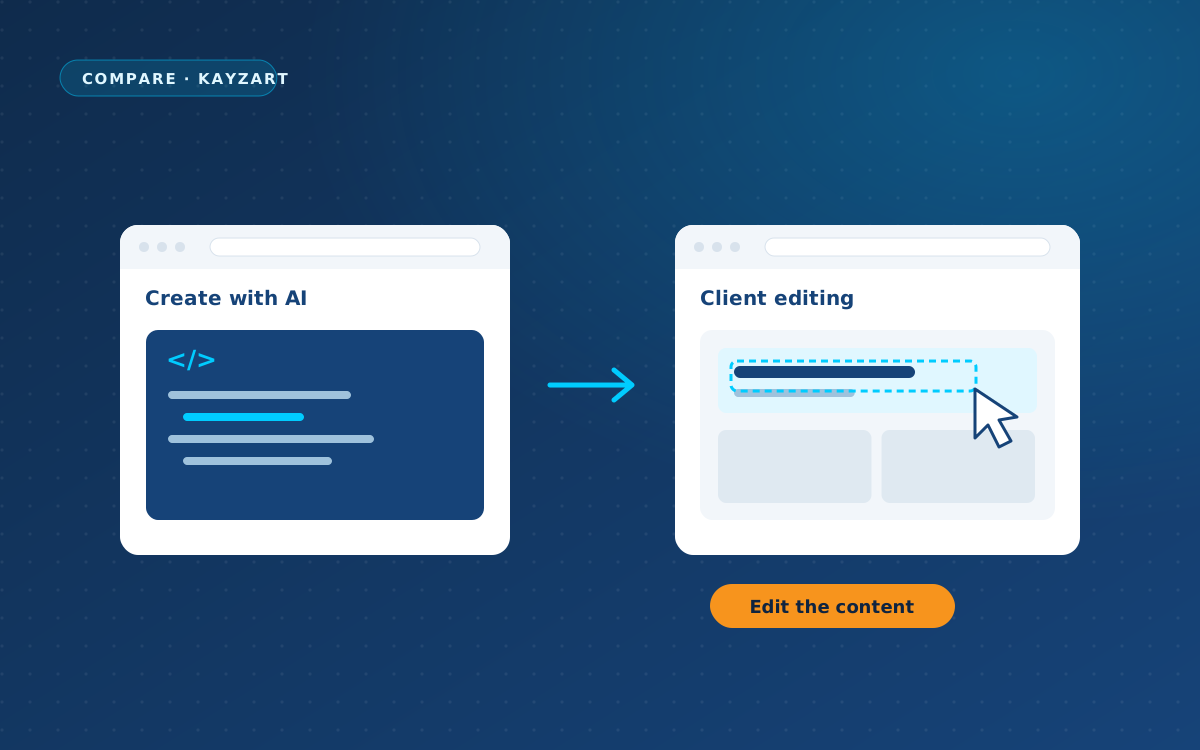
Editable is close to WPPasteKit’s approach to changing content without changing the design. You upload a Figma design, Lovable export or your own HTML, CSS and JavaScript. AI identifies text, images and dynamic parts, and you decide what should be editable. Editing then uses ACF, a WordPress plugin for additional content fields. The provider says the design remains untouched. How Editable handles shared headers, WordPress menus and blog posts within the design is not stated on its site. That does not mean those capabilities are absent.
WPPasteKit
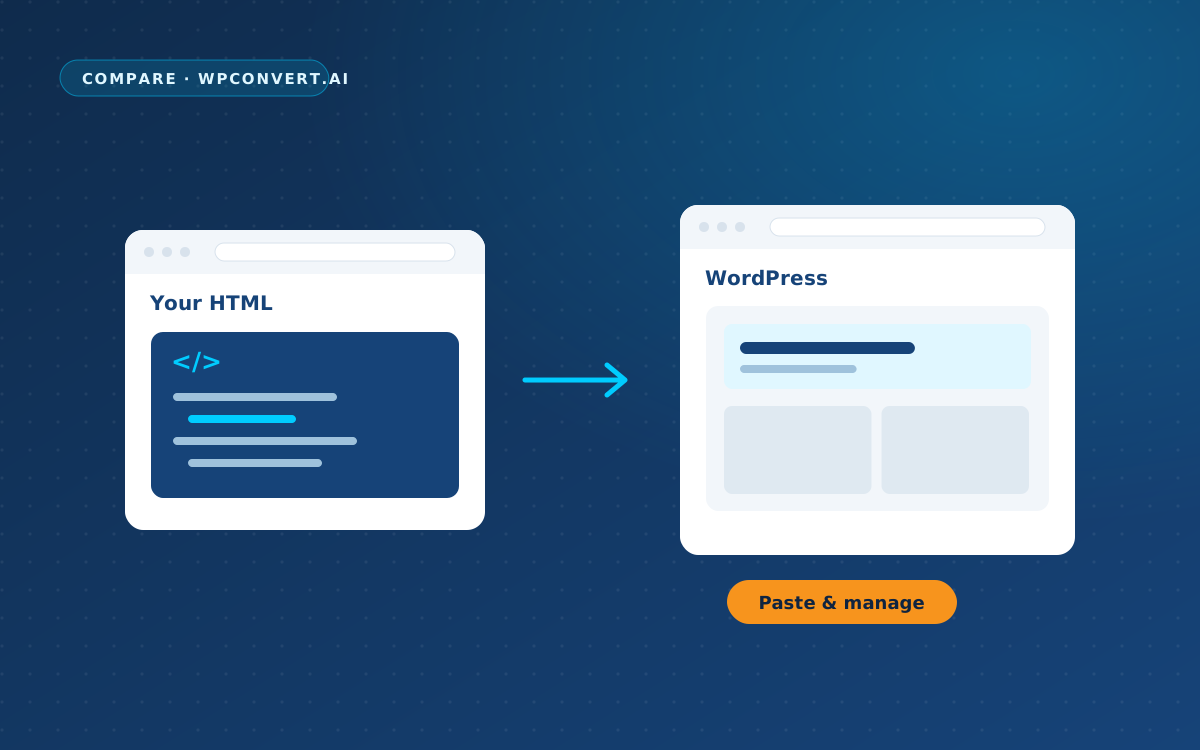
WPPasteKit works as a plugin with any theme, the standard package that determines your site’s design and layouts. There is no need to switch themes. “Make this my site” separates a complete design into a header, the shared top section, page content and a footer, the shared bottom section. Those shared elements also appear on the blog, archives and 404 page. A builder is a visual environment for assembling pages; WPPasteKit does not require an extra one.
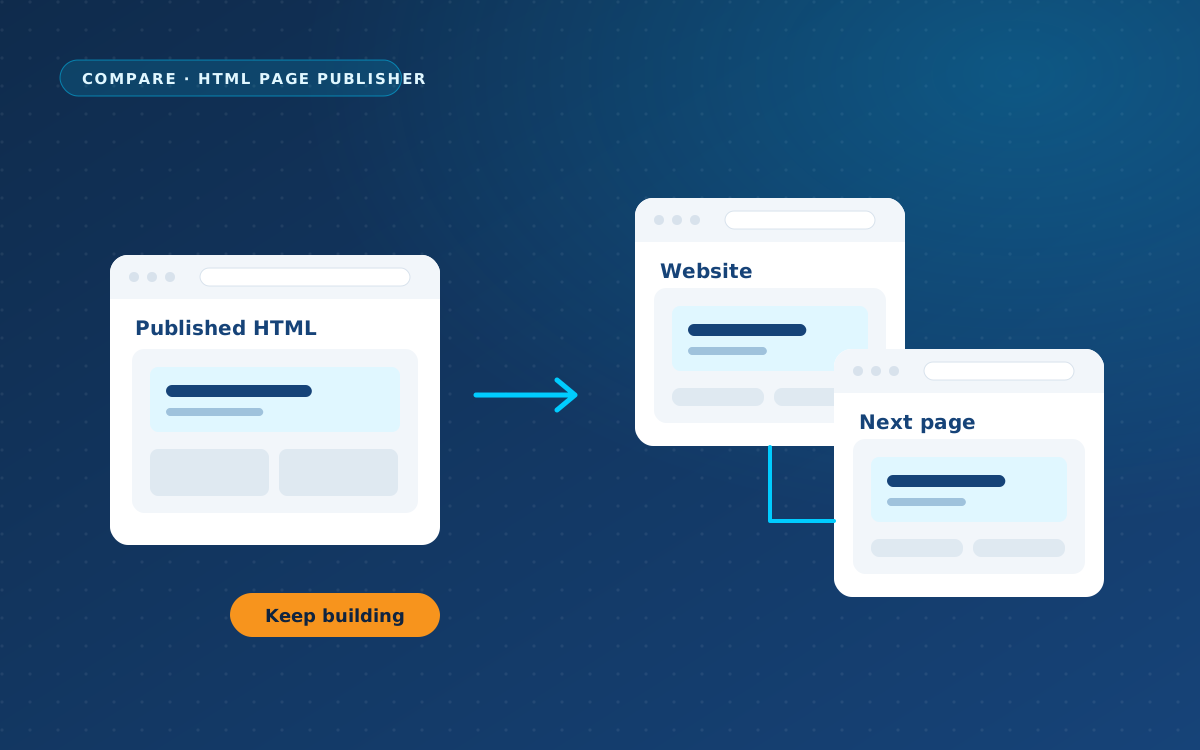
Your navigation becomes a real WordPress menu, and your news cards can display real posts. Editors get a separate screen for content, images and repeatable rows, while raw HTML remains available only to administrators. You still write ordinary blog posts in Gutenberg, WordPress’s standard editor.
Comparison
“Not stated on its site” means the information used here does not describe the feature. It is not proof that the feature is absent. Prices below are as of 30 September 2026 and may have changed.
| Feature | Editable | WPPasteKit |
|---|---|---|
| Approach | ✓ Upload a design, identify content with AI and edit through ACF fields. | ✓ Plugin: your design as a complete WordPress site, without an extra builder. |
| Keeps your own design HTML | ✓ The provider says the design remains untouched. | ✓ Retains original markup and classes; fixed elements become dynamic. |
| Works with your current theme | Not stated on its site; not established in the information used. | ✓ Works with any theme; no switch required. |
| Header and footer across all pages | Not stated on its site; not established in the information used. | ✓ From your design, shared across regular pages, blog, archives and 404. |
| WordPress menu in your design | Not stated on its site; not established in the information used. | ✓ Real WordPress menu in your design’s styling. |
| Blog and news in your design | Not stated on its site; not established in the information used. | ✓ Real posts in your own cards, with archives and pagination. |
| Clients edit without code | ✓ You choose editable content; editing uses ACF fields. | ✓ Separate screen for Editors; text, images and repeatable rows. No ACF required. |
| Form in the design’s form area | Not stated on its site; not established in the information used. | ✓ Fill the form area with a form from Gravity Forms or Contact Form 7, for example. |
| Yoast and other plugins | Not stated on its site; not established in the information used. | ✓ WordPress handles titles, metadata and analytics, with tools such as Yoast and GTM4WP. |
| Later design changes | Not stated on its site: the workflow for later design changes. | ✓ Paste revised code; no new conversion into a theme or builder. |
| AI costs or external service | ✓ AI identifies content; API requirements, costs and external processing are not stated on its site. | ✓ No WPPasteKit API key, AI charges or external service; choose your own AI chat. |
| Identifying editable content | ✓ AI identifies content in uploaded designs, including Figma inputs. | ✓ Paste code and edit content through built-in fields; no ACF required. ✗ No Figma import. |
| Interface language | Not stated on its site. | ✓ Dutch and English. |
| Price | Not confirmed in the supplied information; request the current price. | ✓ One-time: Individual €49 / 1 live site; Agency €149 / 20 live sites. 12 months of updates and support. |
When all twenty live-site slots are used, WPPasteKit Agency works out at €7.45 per site. Both licences include twelve months of updates and support. Renewal at a reduced rate is optional: your site continues working without it. You can use the WPPasteKit prompt in a free AI chat; any paid AI service you choose is a separate expense. Paid form or other plugins, if used, are outside the WPPasteKit licence.
Three practical situations
Your client wants to maintain the copy
Both approaches separate content from design. Editable uses ACF fields; WPPasteKit provides its own content screen and does not require ACF. It would therefore be misleading to portray Editable as simply another full visual builder.
The design also needs to carry your blog
Editable’s workflow for this is not stated on its site. Ask how it connects post cards, archives and shared navigation. WPPasteKit documents a workflow for real posts, menus and shared headers and footers.
You are starting with a Figma design
Editable accepts Figma as an input. WPPasteKit has no Figma import, so you first need an HTML/CSS version. If you already have that code, you can work directly in WordPress with WPPasteKit.
When should you choose Editable?
- You want AI to identify editable content in an uploaded design.
- You already work with ACF or want to use Figma as an input.
When should you choose WPPasteKit?
- You want content fields without installing or managing ACF.
- You want a documented workflow connecting your design, menus, blog and forms.
- You already have HTML/CSS and want to paste it directly into WordPress.
Frequently asked questions
Is Editable the same as a drag-and-drop builder?
Its described approach centres on AI content recognition and editing through ACF fields. It is better understood as a content layer over your design than described, without evidence, as a full visual builder.
Does Editable lack menus or blogging?
That has not been established. Those features are not stated in the supplied information. WPPasteKit’s advantage here is its documented support, not a proven absence in Editable.
Do I also need ACF for WPPasteKit?
No. WPPasteKit supplies its own Editor content screen with text, images and repeatable rows. Editable uses ACF fields for the editing workflow described here.
Can I move from Editable to WPPasteKit?
If you have the original HTML/CSS from your AI design, optionally with JavaScript and related assets, you can paste or import it into WPPasteKit and click “Make this my site”. WPPasteKit does not turn widgets or builder blocks back into HTML. This is not a promise of automatic migration of every existing page, setting or content item; check those separately.
Do I have to keep paying for WPPasteKit?
No. Individual costs €49 once for one live site; Agency costs €149 once for twenty live sites. Twelve months of updates and support are included. Without optional renewal, the site keeps working but further updates and support stop. Prices as of 30 September 2026; they may have changed.
For another approach, read the comparison with Tuli Builder.
Does this workflow fit your site?
Want to use your AI design with shared WordPress elements and content fields for your client? See WPPasteKit licences and pricing.
This comparison was written by WPPasteKit / Webdelta, the maker of WPPasteKit. Based on https://editable.klemendev.com/ on 2 October 2026. Something out of date? Let us know and we will update it.
Editorial basis: the supplied product information; this comparison is not an independent hands-on test.