Get a usable page from your AI
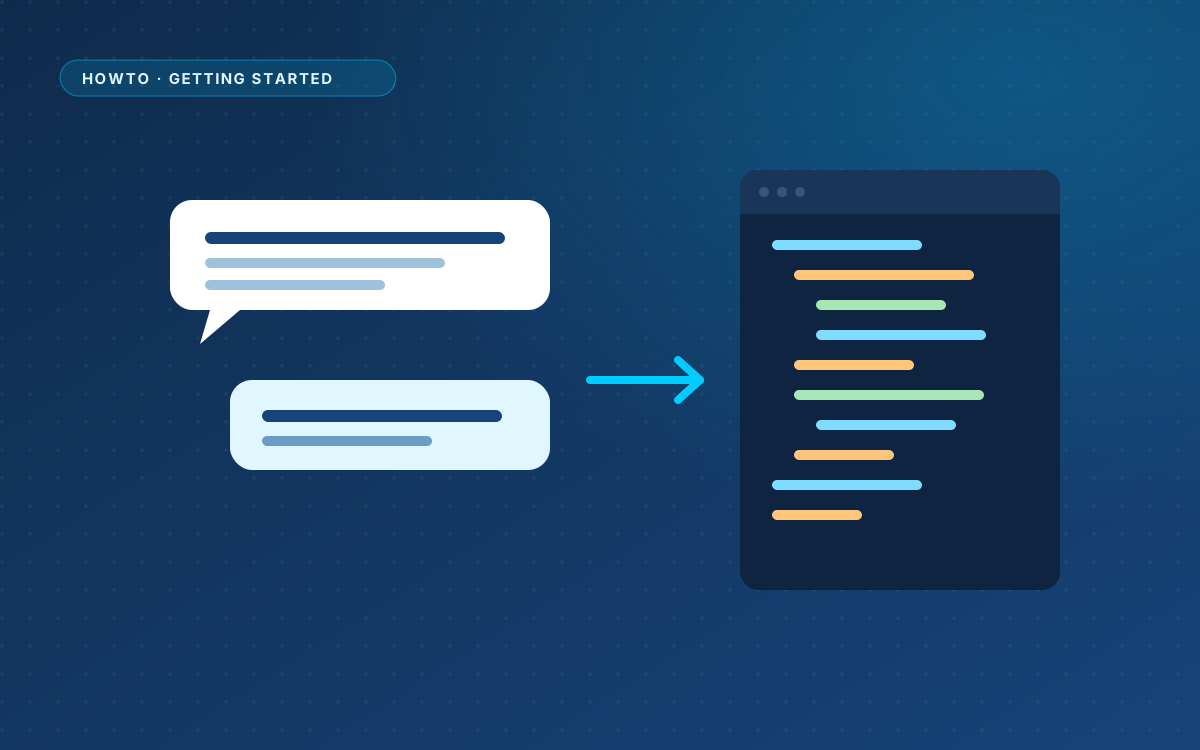
A good paste starts with a good answer from your AI. WPPasteKit comes with a ready-made prompt that asks for exactly what the plugin needs. You add the part only you know: what the page is about.
Copy the prompt
Copy the AI prompt from WPPasteKit and paste it into ChatGPT, Claude, Copilot, Gemini, v0 or another tool. The prompt adapts to your site. Below it, describe the page you want in your own words.
Describe the page, not the code
Write it the way you would brief a designer. Name the sections in order, the tone and the colours. For example:
A homepage for a bakery in Alkmaar. Sections: a hero about our daily bread, our three best sellers, opening hours, a short story about the family, and a contact section with a form. Warm colours, plenty of white space, calm tone.
What a good answer contains
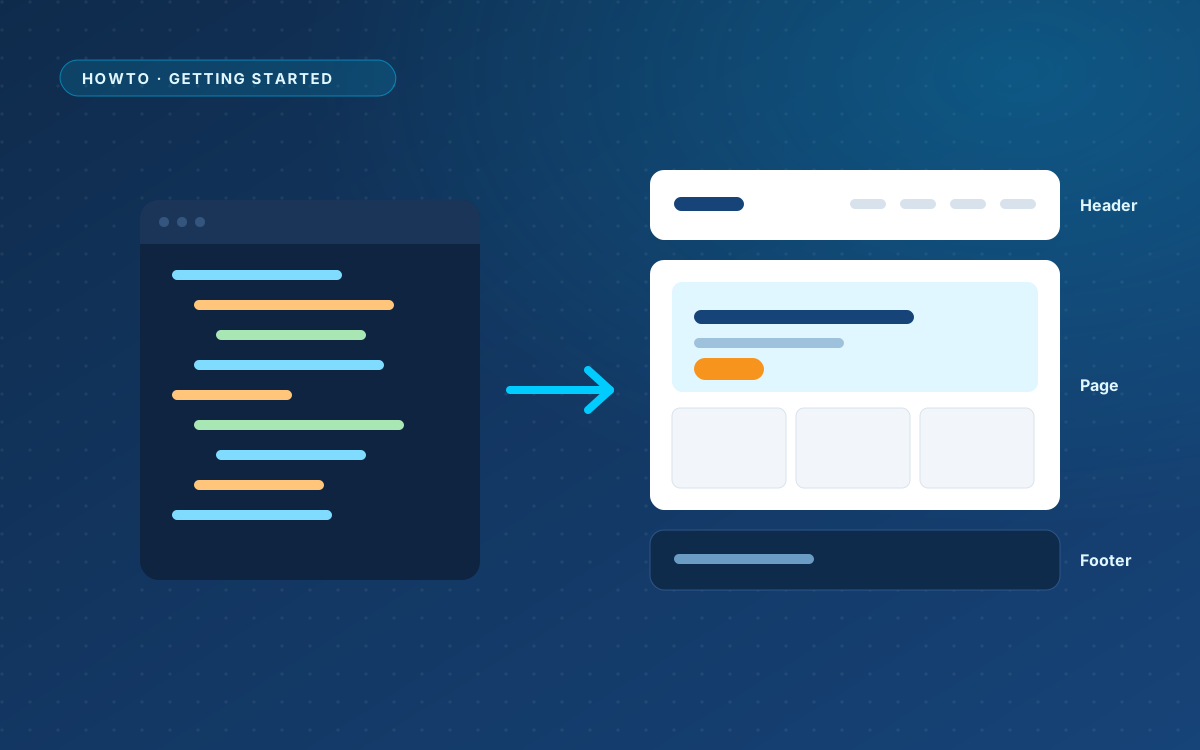
- One complete HTML document, from
<!DOCTYPE html>to</html>, with the CSS in the head and the JavaScript just before</body>. - Real text everywhere. No Lorem ipsum, no placeholders.
- A menu list marked with
data-wp-menu="primary". - A styled spot for the form that contains
<!-- wppastekit:form -->. - No title, meta description or analytics. WordPress and your plugins handle those.
When the answer is cut off
Long pages sometimes stop halfway. Ask the AI to continue, and paste the complete document once you have it. WPPasteKit warns you when only part of an answer was pasted.
React or Vite projects
Some tools, v0 for example, can give you a React or Vite project. WPPasteKit needs plain HTML, CSS and JavaScript. Ask the tool for a single HTML file, or export the project to static files first. Source code that needs a build server cannot be pasted.