Keep your theme, or use WPPasteKit Blank
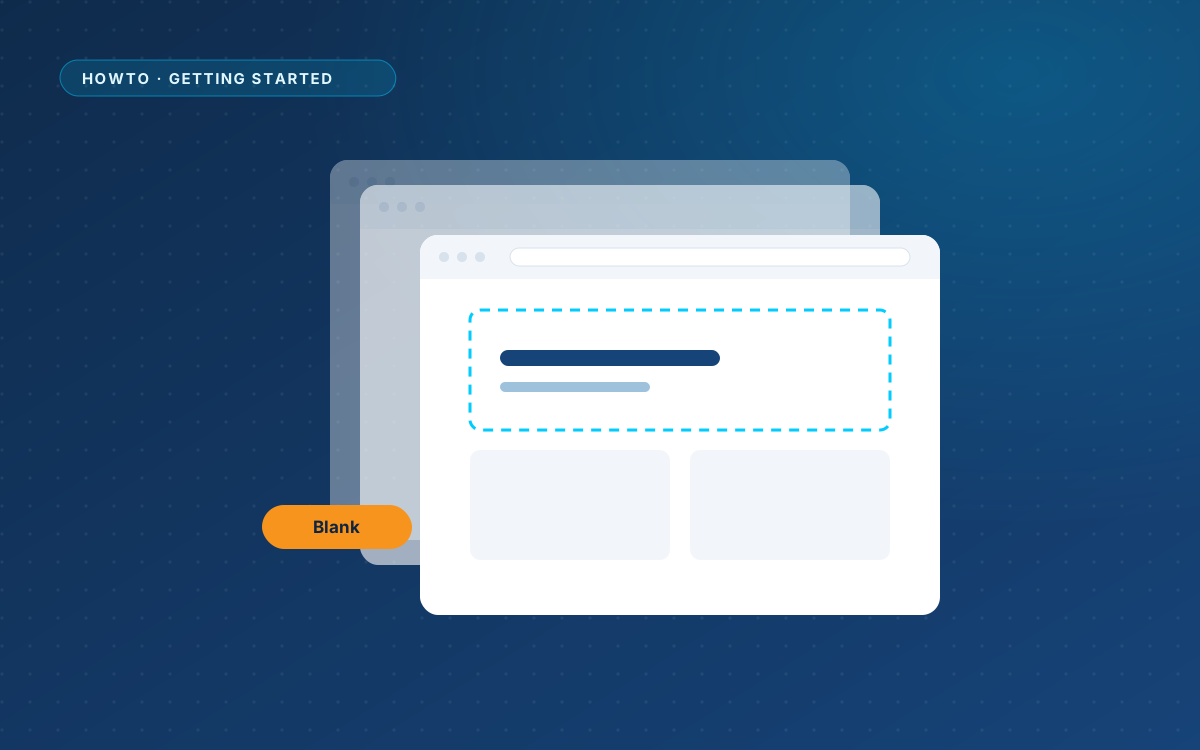
WPPasteKit works with any theme. You do not have to switch themes to use it.
How WPPasteKit pages and your theme work together
A WPPasteKit page is printed by WPPasteKit itself, without the templates and stylesheets of your theme. That is why the design looks exactly as your AI made it. Everything else on your site, such as normal pages, posts and archives, keeps using your theme.
WordPress still owns the <head>. Your SEO plugin, analytics, cookie banner and favicon keep working on WPPasteKit pages. Titles and meta tags inside a pasted design are dropped, because WordPress and your SEO plugin already print them.
When WPPasteKit Blank makes sense
The optional WPPasteKit Blank theme is for sites that are WPPasteKit from top to bottom. It ships almost no styling of its own, so nothing competes with your design.
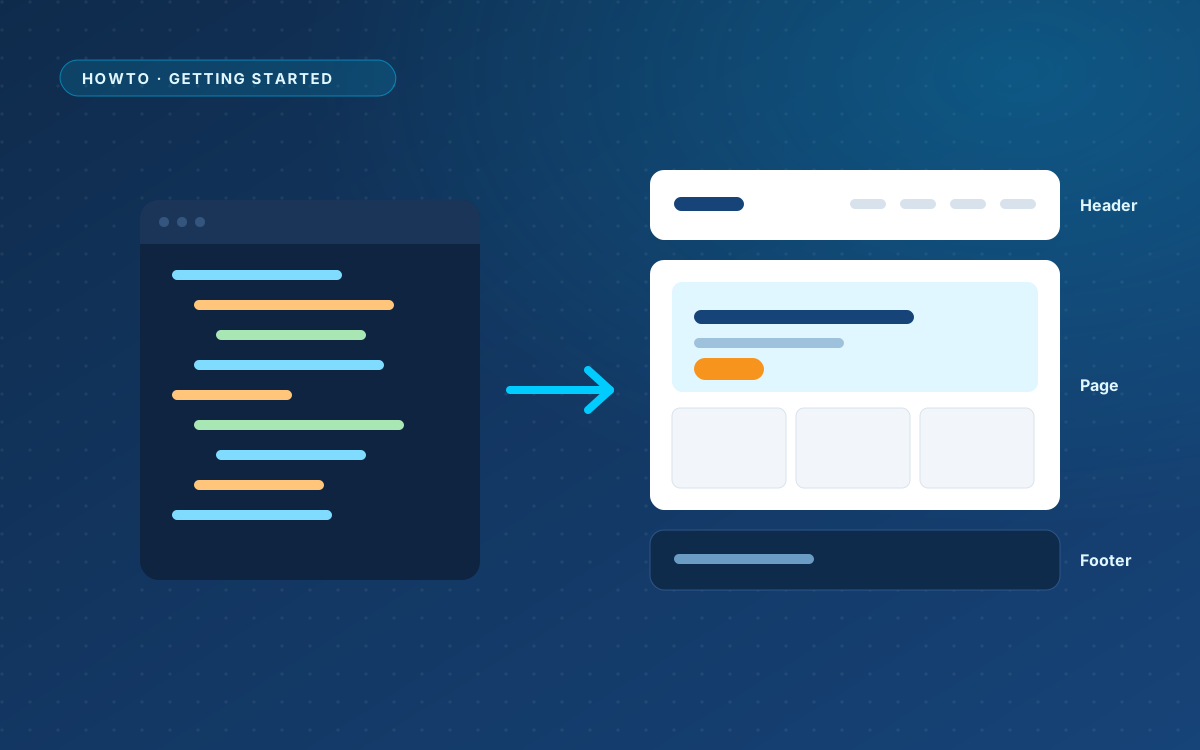
- The site header and footer from your design also appear on the blog, archives, search results and the 404 page.
- Views without a layout of their own fall back to a plain, readable list, so a fresh install is usable before you have designed everything.
- On pages that render a pasted design, the theme does not load its stylesheet at all.
Install the theme
- Go to Appearance > Themes > Add New > Upload Theme.
- Choose the WPPasteKit Blank ZIP file and click Install Now.
- Click Activate.
Using another theme
Want the site header and footer on the blog, but keep your own theme? A theme can support that with one line in functions.php:
add_theme_support( 'wppastekit-site-parts' );Ask your developer to add it, or switch to WPPasteKit Blank.